

Support our independent tech coverage. Chrome Unboxed is written by real people, for real people—not search algorithms. Join Chrome Unboxed Plus for just $2 a month to get an ad-free experience, access to our private Discord, and more. Learn more about membership here.
START FREE TRIAL (MONTHLY)START FREE TRIAL (ANNUAL)
If you’ve been following any coverage of NotebookLM, you know most users are big fans of how it turns a pile of messy research into something useful. It’s initial claim to fame was the viral “Audio Overviews” that sound like a real podcasts. Then came Data Tables and Slide Decks. Now, Google is taking things to a whole new level by letting you turn your research into professional-looking videos and infographics with just a few clicks.
In a new update rolling out today, Google is introducing Cinematic Video Overviews, customizable infographics, and some major quality-of-life improvements that make the platform more powerful than ever.
Cinematic Video Overviews: Your Research, Animated
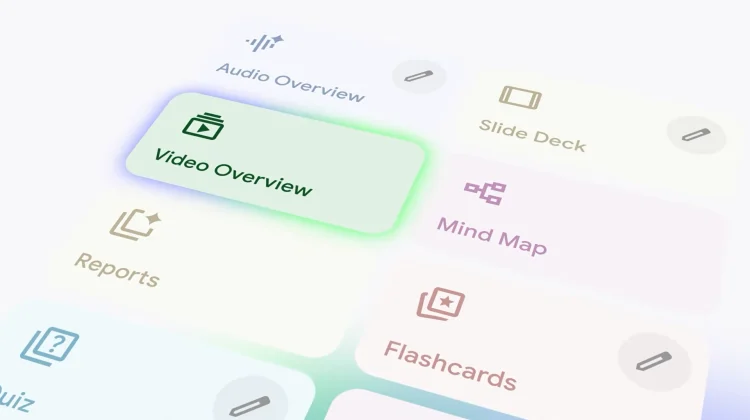
While the standard Video Overviews we saw last year were essentially narrated slideshows, the new Cinematic Video Overviews are something else entirely. Google is leveraging a full-fledged AI stack (Gemini, Imagen, and Veo)to act as a “creative director” for your notes.
Instead of static slides, you get fluid animations and rich, detailed visuals designed to tell a story. It analyzes your sources and makes hundreds of decisions about narrative pacing and visual style to create an immersive video. For now, this feature is limited to users over 18 on higher-tier plans (Business Standard/Plus, Enterprise, and AI Pro/Ultra subscribers).
Ten New Ways to Visualize Data
If video isn’t what you need, NotebookLM is also doubling down on static visuals. You can now manually choose from ten new infographic styles to summarize your sources:
- Creative/Fun: Sketch Note, Kawaii, Anime, Clay
- Professional/Academic: Professional, Scientific, Editorial, Instructional
- Modern: Bento Grid, Bricks

By default, the AI will still pick what it thinks is best, but having the manual toggle means you can finally match the overall vibe of your research to your final output.
Editing Your Artifacts
One of our biggest gripes with AI-generated content is that you’re often stuck with what the AI spits out. Google is finally addressing this with Slide Revisions. You can now give factual or stylistic feedback on specific slides, and the AI will quickly regenerate a new deck in the Studio panel.

Plus, for those who live in the Microsoft ecosystem, you can finally export your slide decks as PPTX files (in addition to PDF).
Better Study Tools and EPUB Support
For the students and researchers using the mobile app, NotebookLM is getting smarter about how it helps you learn:
- Persistent Progress: Your Flashcard and Quiz progress now saves across sessions.
- Active Learning: You can mark cards as “Got it” or “Missed it” and rerun only the ones you struggled with.
- EPUB Support: You can now upload EPUB files directly, making it significantly easier to research long-form digital books without converting them to PDFs first.
Privacy and Workflow Improvements
Lastly, Google is making the chat experience more persistent. Your conversation history is now automatically saved and remains private to you, even in shared notebooks. You can also now ask the chat to instantly generate artifacts like a report or an Audio Overview without ever leaving the conversation window.
These updates are all rolling out now to both Rapid and Scheduled Release domains, so you should see them at any point moving forward.
SUBSCRIBE TO UPSTREAM
Get Chrome Unboxed delivered straight to your inbox
Upstream is our flagship, curated newsletter with the top stories, most click-worthy deals, giveaways, and trending articles from Chrome Unboxed sent directly to your inbox a few times a week. Join 31,000+ subscribers.

