

Support our independent tech coverage. Chrome Unboxed is written by real people, for real people—not search algorithms. Join Chrome Unboxed Plus for just $2 a month to get an ad-free experience, access to our private Discord, and more. Learn more about membership here.
START FREE TRIAL (MONTHLY)START FREE TRIAL (ANNUAL)
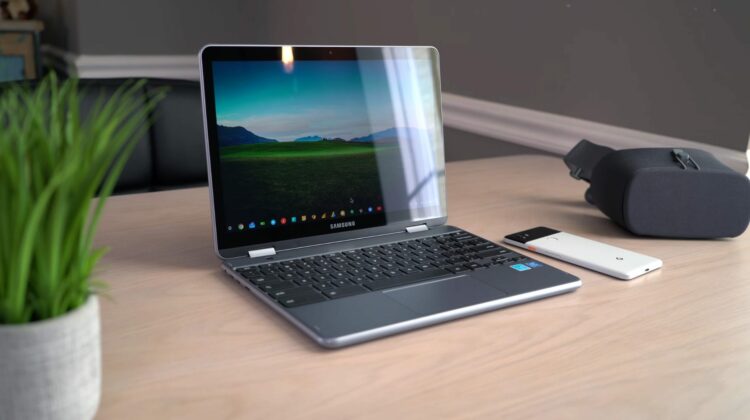
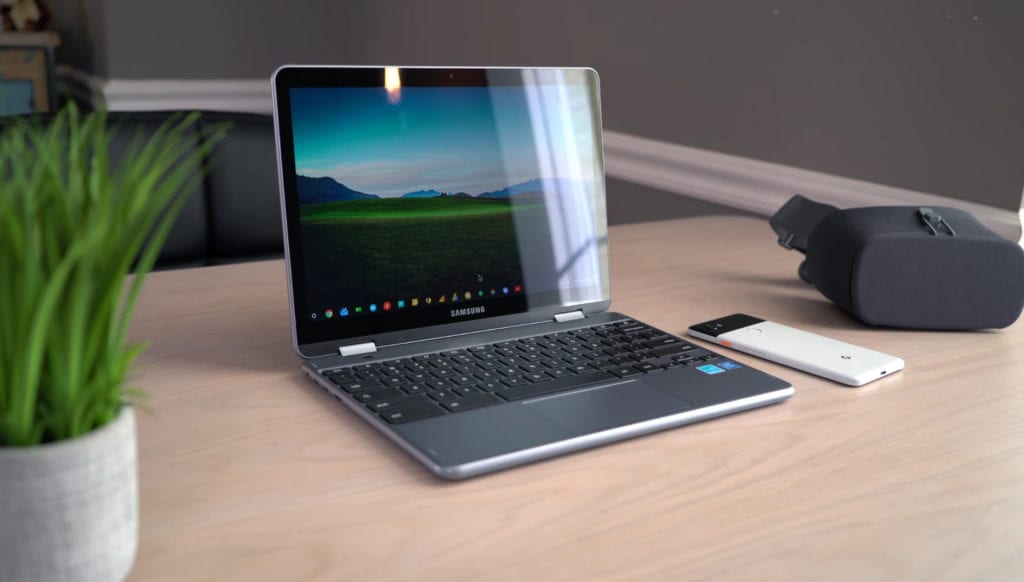 The newest member of the Samsung Chromebook family is upon us, and as we’ve had it in-hand for a few days, we thought it time to give everyone a few first impressions after spending a day or two working from the device.
To be honest, we’re refining how we do these videos still, so I’m going to try something new on for size with this one. I’ll give you a very quick summary with pros and cons thus far, but I’m not going to make too many hard judgments just yet. So, here we go!
Pros
The build feels sturdier. Overall, the Chromebook feels pretty sturdy. That’s a nice fix from the previous generation’s rather flimsy feel.
The wider screen makes the keyboard standard size. The keyboard on the first version of the Plus was extremely divisive, and it’s easy to understand why. With splashy keys and very small keys on both edges, the typing experience was not the best. The dimensions on the Plus V2 fix this issue.
The keyboard is very good. As is the trackpad. With a full-sized layout, Samsung fixed half of the original problem. The other part was the action of the keys and, I must admit, this new keyboard is great. Along with a much-improved keyboard, the trackpad is very good. The click is solid and quiet. The surface resists oils very well and using it is simply a pleasure.
Having a USB Type-A port is a win. With newer Chromebooks, USB Type-C rules the day. While it is insanely versatile, it also requires you to live with an adapter in your bag. With an included Type-A port, this will remove many users’ participation in dongle life.
The processor runs circles around the original. Without question, the processor is MUCH faster than the original. Coming in around 14,000 on Octane, we’re a good 5,000 points higher than the original Plus and it shows in daily use.
The camera specs are better. This is one of the first Chromebooks with better lens tech. Only the HP Chromebook x2 is in the same class with the 13MP sensor.
Cons
The overall weight is noticeably heavier and the device is thicker. After carrying both the Plus and Pro for a bit along with the Pixelbook, I’ve become accustomed to lighter Chromebooks. This one feels pretty heavy, and comes in about a half pound heavier than the original.
The screen resolution, aspect ratio, and brightness is a downgrade. For all the things we get upgraded, this is a significant downgrade. The screen is 300 nits (100 nits dimmer than the original), the resolution is OK but much lower than the original (1920×1200 vs. 2400×1600 in V1), and I still prefer the 3:2 aspect ratio over the 16:10 on offer here. To be fair, some like a wider screen, but it feels much smaller than the similarly sized Pixelbook, even though they are only 0.1-inches different in diagonal measure.
The USB Type-C ports are on the same side. One of the best parts of dual USB Type-C ports is the flexibility you get. Depending on where you are working and what you are doing, not being tied to one side is nice and you lose that here.
The weighting of the screen is really odd. The screen, for whatever reason, is oddly heavy. It almost feels like a detachable that way, where all the guts of the device are up top and the overall balance is just off. On a desk it isn’t terrible, but in your lap it feels unsteady and likely to topple if tilted the wrong way.
The camera performance is terrible. Sure, better cameras should mean better camera performance, but this isn’t the case. Taking photos and/or video is simply a waste of your time. Until Google offers a real solution, these updated lenses in Chromebooks are simply a sham.
Now, The Video
Those are my thoughts for now. I’d assume some of the pros will lose their sheen as time passes and some of the cons may become less problematic. That’s all for the review, though. For now, enjoy the video and my first impressions of the Samsung Chromebook Plus V2.

