

Support our independent tech coverage. Chrome Unboxed is written by real people, for real people—not search algorithms. Join Chrome Unboxed Plus for just $2 a month to get an ad-free experience, access to our private Discord, and more. Learn more about membership here.
START FREE TRIAL (MONTHLY)START FREE TRIAL (ANNUAL)
 Last week, Chrome OS was updated to version 65 and with that update, many new features both big and small were introduced. One of the things we really want to do with this update is to show some of the new, interesting additions to the OS and talk about what makes them important.
Today will be the first of those posts, and it is concerning the almost-missable animations added to Android app windows.
For those of you who’ve been along for the long ride of Android apps coming to Chromebooks, you know that Play Store support wasn’t always so widespread and available. It seems like just yesterday that I was excited to even see the Play Store icon show up in my tray. Now that Android has been around for a bit, it is time for the overall experience to get more polished and feel more native.
Don’t get me wrong: there are still things that need to be ironed out and a bulk of the work lies on the shoulders of app developers to give thought to larger screens with their offerings. That being said, the experience of installing and using Android apps has become pretty native feeling to the Chrome OS experience, and it needs to keep getting better.
With the rollout of the first ever Chrome OS tablet happening just yesterday, we’re rapidly approaching a time where installing apps to use on tablet/detachable devices isn’t a novelty any longer: it is a basic need. The more native and at-home Android apps can feel, the better. The more simple and streamlined the entire process becomes, the better.
So, let’s take a look at this small change that makes Android apps feel much more like a cohesive part of the overall Chromebook experience. The first video below is Chrome OS 64 and the second is Chrome OS 65. Look closely.
Chrome OS 64
Chrome OS 65
Small Changes, Big Results
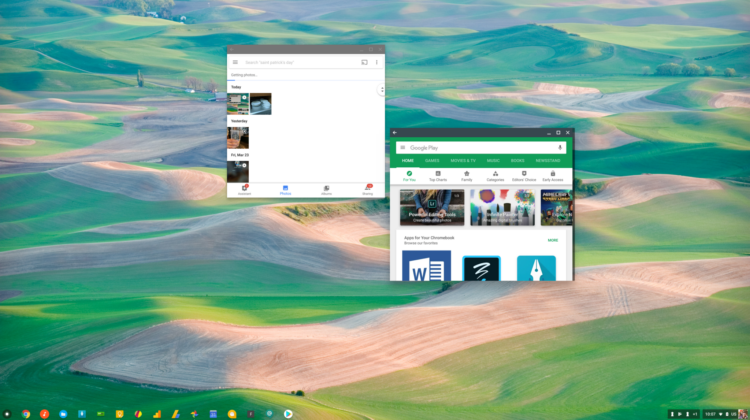
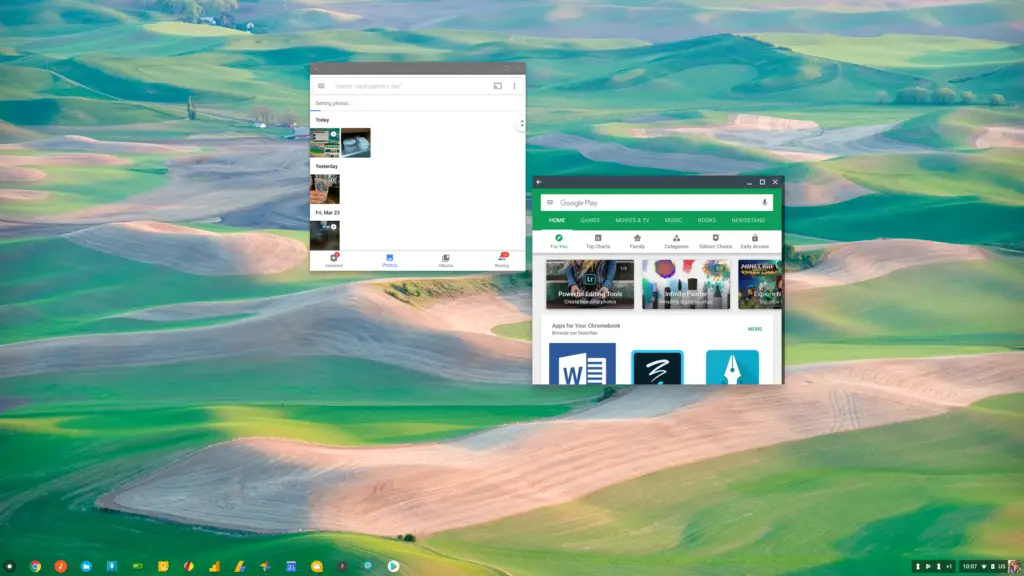
If you can’t spot the changes right away, let me help. First, you have a specific, hard shadow that shows up as a visual cue that you are ready to drag and resize the window. Prior to 65, this was missing for Android apps. Second, you have the magnetization of the windows. When dealing with Chrome windows, they have some preset snapping ability when dealing with one another.
Android apps have been missing this as well. Now, when you drag an open Android app window around, it will behave just like its Chrome brothers and snap to other windows both on the sides and on top.
These are the definitions of small changes. I’d bet most users would completely miss this stuff, but don’t let that fool you into dismissing their importance. Now that most Android apps install, open and run on Chromebooks, the time has come for the whole experience to get refined.
As new users are adopting Chromebooks every day, they shouldn’t need a lesson on the difference in using a Chrome app vs. an Android app. They shouldn’t need to follow a different set of rules when resizing or repositioning those windows. They shouldn’t see a different set of visual cues that prompt certain behaviors.
It should all feel like a single, cohesive system. This latest change does much to make that a reality, and I fully expect more changes like this to keep coming. When the other features like parallel apps, full file integration between Android/Chrome OS and Android window resizing in tablet mode finally hit maturity in the next couple OS updates, the whole setup should feel completely at home.
It has been a long time coming, but it is sweet to see it all taking shape!

