

Support our independent tech coverage. Chrome Unboxed is written by real people, for real people—not search algorithms. Join Chrome Unboxed Plus for just $2 a month to get an ad-free experience, access to our private Discord, and more. Learn more about membership here.
START FREE TRIAL (MONTHLY)START FREE TRIAL (ANNUAL)
 Sure, Smart Displays were all the rage at CES back in February, but that doesn’t mean the biggest display in your home isn’t getting in on some of the Google Assistant love as well.
Not long ago, Google rolled out a feature for Chromecast and Google Home that can give all of us a bit of a taste for what Google Home interaction on connected devices will look like in the future. It is quite simple, really, and I don’t even know how often I (or anyone else, for that matter) will even use it, but it is worth talking about.
Your Forecast
Many of us check the weather on our phones and we’re learning to lean on Google Home or Alexa for this more and more. My morning routine is asking Google what the weather looks like for the day. As I rise around 6am each day, it is usually pretty dark and my eyes haven’t fully adjusted to lights or bright screens, so simply asking Google for a quick rundown on the weather is a way I can know what to expect without staring at a screen right out of bed.
I’ve grown to really like it.
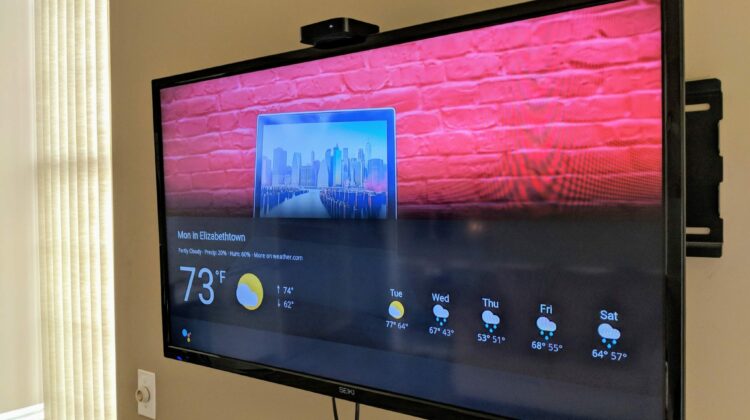
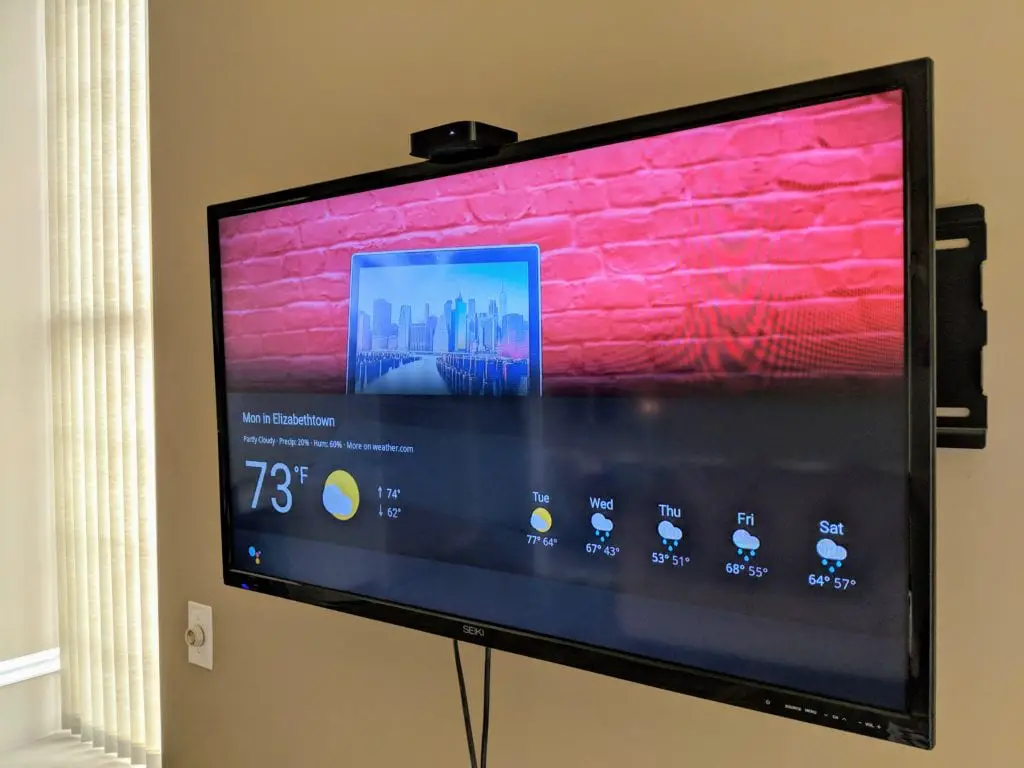
I suppose under certain circumstances, the ability to see this information would be useful. That’s the primary drive behind the upcoming Google Home smart display devices, after all. What you can do right now with a Google Home and Chromecast is similar to what you’ll see on a smart display. All you have to do is tell Google to “Show me the weather on [name of Chromecast]” and regardless of what is streaming, an attractive weather graphic will fade into view for you to see. Not only do you get today’s weather, but you’ll also get a few days of the extended forecast as well.
For me, it is more concise than asking about today’s weather and then about the upcoming week as well. Visuals help in many situations, and this is definitely one of them.
However, I just don’t know how frequently I’ll ask for it while I’m watching any sort of programming. Since I use YouTube TV, I could see this being handy in the evenings as we’re watching television, but I haven’t really used it much yet.
Where This Could Matter
The bigger picture here is what could come down the road. As more and more interfaces are thought out in a visual way for Google Home, I could see more of those experiences making their way to the Chromecast interface as well.
Off the top of my head, I can think of a really great example. When watching shows or films, I routinely have to access IMDB to figure out what a particular actor is famous for. Usually I’ll try to pull this info up on my phone, I won’t bother to pause the show/movie, I’ll dig around until I find what I need, look up, realize I missed something important, rewind, and resume watching.
Not the best in terms of workflow.
What would be great is if I could ask Google Home to queue up that info right on the screen. Something like “Hey Google, who are the actors in this show?” would be very cool. If I’m already casting via Chromecast, the info on what I’m watching is already available to Google Home and it could easily overlay the main cast on the screen for me with their names and notable works.
Just an example, but I think it shows what could be done with this platform as Google Assistant branches out from simple speakers and phone apps.
For now, however, we have weather. Fun to play with, but ultimately dubious in its overall usefulness for most folks. But as a proof of concept for what is possible, it gets me pretty excited for the future of the platform.

