

Support our independent tech coverage. Chrome Unboxed is written by real people, for real people—not search algorithms. Join Chrome Unboxed Plus for just $2 a month to get an ad-free experience, access to our private Discord, and more. Learn more about membership here.
START FREE TRIAL (MONTHLY)START FREE TRIAL (ANNUAL)
 Improvements to accessibility are always welcome additions to any software and web browsers are no exception. Clearly, we are fans of Chrome and that includes Google’s browser in all its forms across every available platform. So, we celebrate with all the non-Chrome OS users when developers bring refinements to the world’s most popular window to the web.
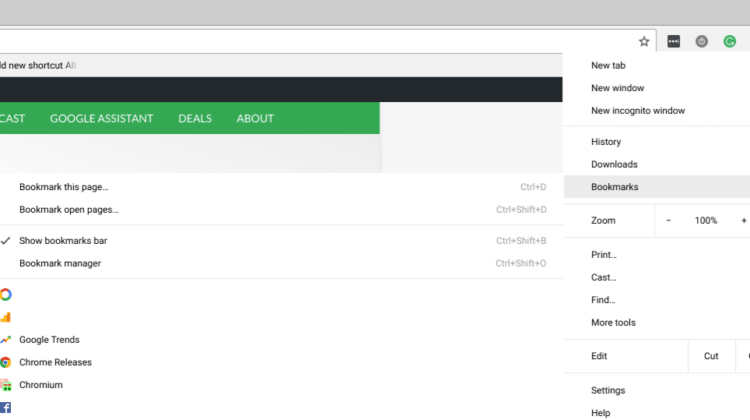
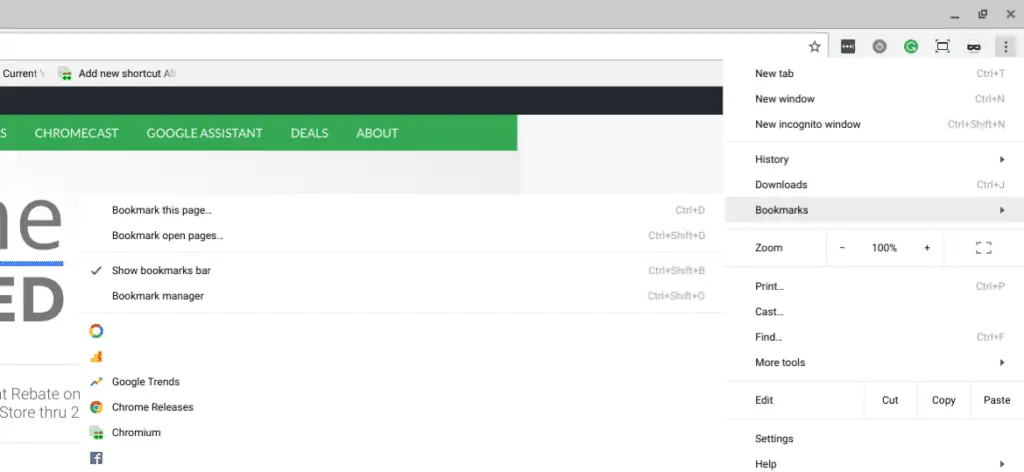
The latest tweak comes in the form of a simpler, more direct shortcut to access the bookmarks subfolder in the Chrome menu.
Currently, to bring up bookmarks, you have to use the menu shortcut Alt + F. Then, you have to make a second keystroke by hitting the “B” key. Now that the bookmarks subfolder is open, you can do a quick search by hitting any letter and Chrome will bring focus on the first bookmark it finds that starts with that letter. Continuing to tap the same letter you searched with will cycle through subsequent bookmarks.
Handy but tedious if your workflow consists of frequent bookmark clicks.
Back in November, a user took the initiative to point out that Firefox and IE are more capable when it comes to this function and developers took notice.
Chrome’s bookmarks are not that efficient to get to either, as they don’t have first letter navigation to get to them, and also, they are not well supported in Windows.
CR Bug Tracker
The end result coming to Windows and Linux users will be a simpler key combo of Alt + B that will launch the subfolder directly.
Add new shortcut Alt+B to open Bookmarks submenu directly
This matches a shortcut that’s available in IE and Firefox that
users with disabilities have been requesting, as a fast and
predictable way to open frequently used bookmarks using the
keyboard alone.
So, there you go. Windows and Linux users can now enjoy a more user-friendly Chrome bookmark experience. It is unclear as to why developers are leaving this off of Chrome for Mac and Chrome OS but I’m sure there’s a reason. The bug report also mentions the inefficiency of search when using chrome://bookmarks as it does not bring focus on the first letter of the bookmark but instead searches the context of the entire entry making the search a bit convoluted. Not sure if that will be addressed separately but it could definitely use some cleaning up.
Source: Chromium Repository

