


Support our independent tech coverage. Chrome Unboxed is written by real people, for real people—not search algorithms. Join Chrome Unboxed Plus for just $2 a month to get an ad-free experience, access to our private Discord, and more. Learn more about membership here.
START FREE TRIAL (MONTHLY)START FREE TRIAL (ANNUAL)
 At the end of 2017, an odd bug showed up in Chrome OS that caused some issue with users’ ability to control the size of elements on the screen in Android apps. For many of us, until the bug began being pointed out, we didn’t even think about resizing the display for Android apps.
After all, it really should all work together, right? If I change the effective resolution on my Chromebook, Android apps should follow suit. We think this is where things are eventually headed, but we aren’t there yet.
For now, if you dig into your Android settings for your Chromebook (Settings > Google Play Store > Manage Android Preferences > Accessibility > Display Size) and adjust your Display size settings, it will adjust the size of UI elements when using Android apps. For most apps, this is a pretty important adjustment that makes Android apps feel much more native.
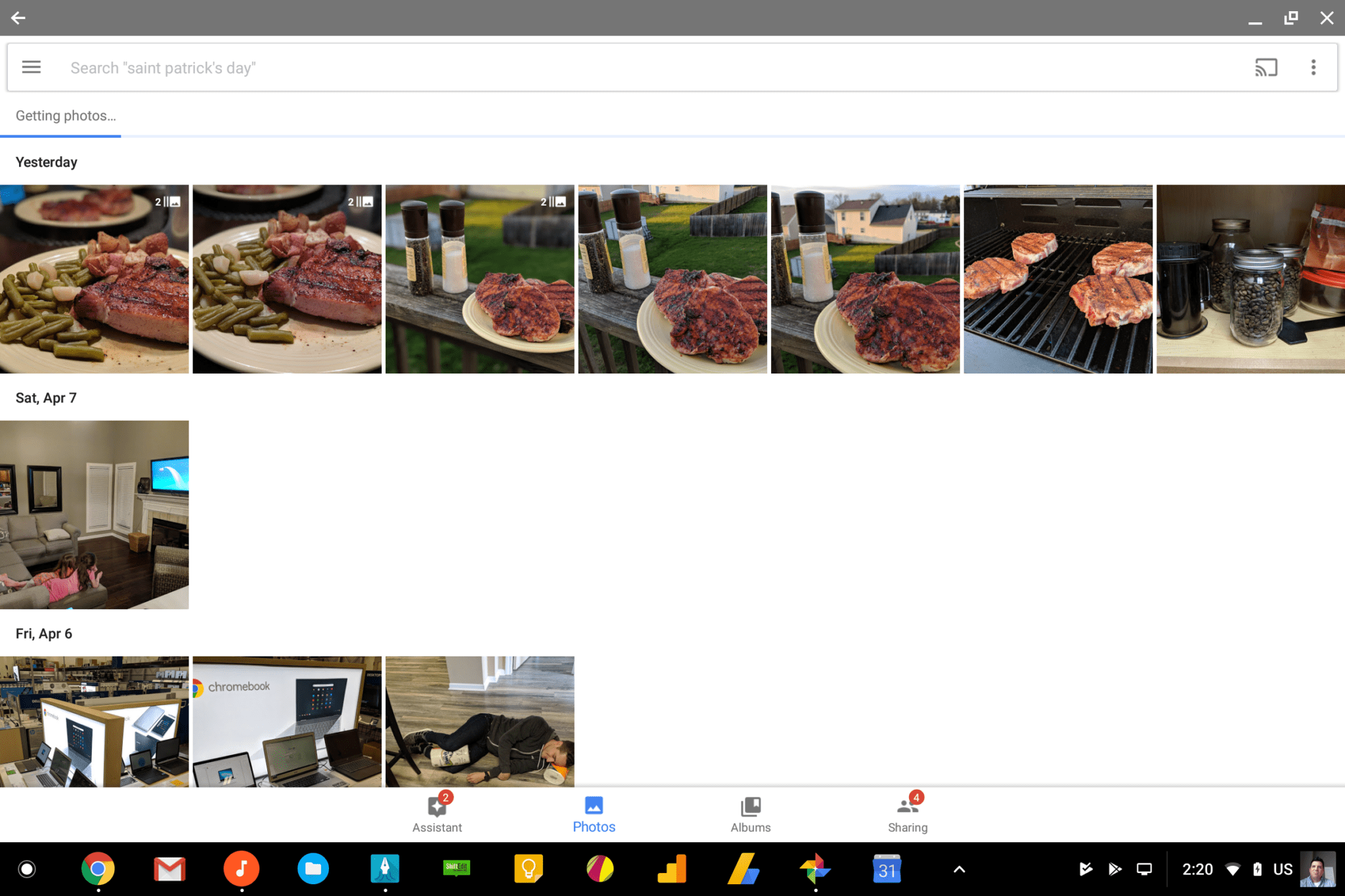
Take Google Photos, for instance. Without changing the settings, most of the buttons and other UI elements are quite small and it makes the whole user experience feel less than optimized. For me, if I adjust the Display size up to large, all the UI feels cohesive and less foreign to the overall OS.

The Problem
The problem that was pointed out at the beginning of all this lies in the inability of Chrome OS to keep these settings once applied. Users were figuring out quite quickly that a simple rotation of the device would set the Display size right back to default, regardless of what you set it to prior. For convertibles, detachables and tablets, this is a real problem. With these types of devices regularly being used in tablet mode, rotation is bound to happen quite often, so the ability to adjust the size of UI elements became quite pointless as the orientation switch simply reset everything.
The Fix
According to the bug report, it seems this bug was actually fixed up in late February and likely packaged up in the feature-rich Chrome OS 65 update. We didn’t see it in the update notes, but that isn’t unusual: they don’t highlight everything for every update.
I routinely set my Display size to large after a powerwash, especially when I’m using Squid for a lengthy time. Today was one of those days, and I quickly noticed that things stayed put after I rotated the device accidentally. With that knowledge, I tested out the Samsung Chromebook Pro (still on 64) and noted the issue still persisted on that device. Chrome OS 65 has clearly fixed up this very annoying bug, and I am very excited for that. As I said prior, it simply makes the Android/Chrome OS environment feel so much more polished and native.
Now, if we can get those parallel tasks up and running soon, we’ll be in business!

