


Support our independent tech coverage. Chrome Unboxed is written by real people, for real people—not search algorithms. Join Chrome Unboxed Plus for just $2 a month to get an ad-free experience, access to our private Discord, and more. Learn more about membership here.
START FREE TRIAL (MONTHLY)START FREE TRIAL (ANNUAL)
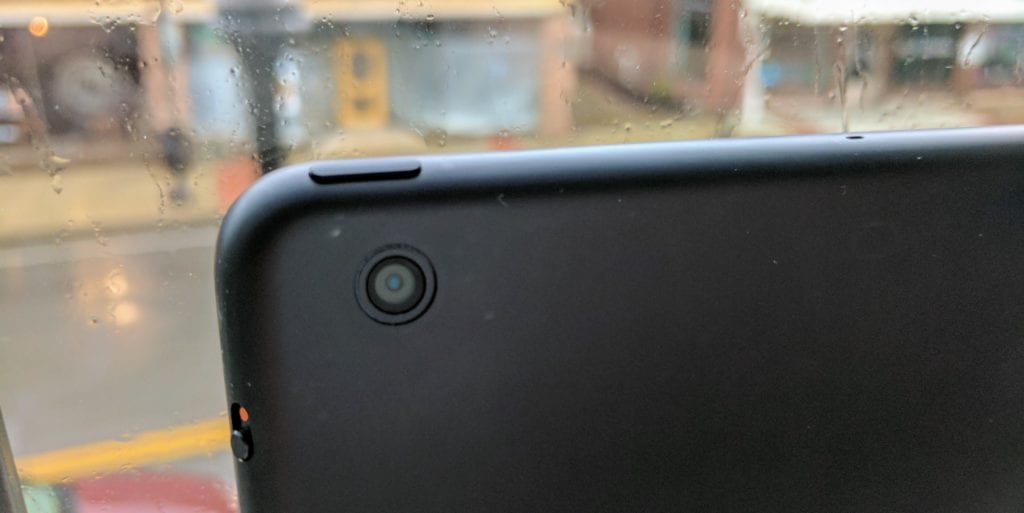 Similar to the situation we had in late Summer last year, the number of Chromebooks in development keeps growing and, with that number, the number of new features is also expanding.
Today we have some info on the camera setup for ‘Scarlet’.
Seen in this commit and it’s relative files, we can see the two cameras being tested for use on this Chrome OS Tablet.
It looks like we have a 5MP front-facing camera and an 8MP rear-facing camera.
Though there are other detachables and tablets in development, this is the first solid proof of dual cameras in a standard tablet setup. Though we don’t assume you’ll be doing a ton of shooting with your tablet, ‘Scarlet’ looks to be a smaller 7.9″ tablet, so the opportunity could arise.
The two camera models are ov8855 and ov5695 and drivers are being worked on actively for both in ‘Scarlet’. Here are some specs on each right from the maker, Omnivision.
OV5695
OmniVision’s new 1/4-inch OV5695 is a high performance and cost-effective 5-megapixel OmniBSI+™ sensor designed to be a cost-competitive camera solution for both front- and rear-facing camera applications in smartphones and tablets. The OV5695 features an improved design that offers superior image and video quality in a more compact, power-efficient package.
The OV5695 utilizes 1.4-micron OmniBSI+ pixel architecture to capture full resolution video in a native 4:3 aspect ratio at 30 fps or 1080p video at 60 fps with support for interleave row high dynamic range (iHDR).
The sensor’s exceptional low-light sensitivity enhances image and video quality when recording in low-light conditions, and reduces user dependence on the device’s front-facing flash functionality.
The OV5695 fits into an 8.5 x 8.5 mm module with a z-height of approximately 4.4 mm.

OV8855
OmniVision’s OV8858 is a 1/4-inch 8-megapixel PureCel® image sensor for the rapidly growing mainstream smartphone and tablet market. The compact and cost-effective OV8858 sensor delivers dramatically reduced power consumption and best-in-class performance, making it a highly competitive solution for the next-generation of mobile devices.
Compared to OmniVision’s previous-generation 1/4-inch 8-megapixel sensor, the OV8858 delivers a number of performance enhancements, including dramatically improved full-well capacity (FWC) and sensitivity for enhanced high- and low-light performance. It also offers a significant reduction in power consumption and form factor.
The sensor also features OmniVision’s Video-in-Video (ViV™) technology, which stitches together images from the front- and rear-cameras, applies enhancements such as independent lens correction and color compensation, and sends the combined image to the host ISP. In ViV mode, users can capture a portrait scene perfectly alongside their own face, record video while narrating for high quality video blogging, or utilize the feature for video conferencing. This is made possible by a special input MIPI receiver on the OV8858 that can accept image data from a wide range of OmniVision image sensors designed for front-facing applications of 2-megapixel and below, thus saving a camera port on the host ISP.
The OV8858 supports an active array of 3264 x 2448 pixels (8-megapixel) operating at 30 frames per second (fps) for zero shutter lag, enabling high-speed photography. The sensor is capable of recording 1080p high definition (HD) video at 60 fps, or 720p HD video at 90 fps, each with additional pixels for electronic image stabilization (EIS). The OV8858, when paired with OmniVision’s latest 2-megapixel sensors, can provide full resolution ViV snapshot images at 15 fps and preview ViV video at 30 fps.
The OV8858 fits into an 8.5 x 8.5 mm camera module with a build height of approximately 4 mm.
Sure, this is a bit of marketing speak, but these don’t sound like garbage sensors. They should do the job of grabbing a quick pic if you are in the mood and don’t have your phone or other camera handy.

