


Support our independent tech coverage. Chrome Unboxed is written by real people, for real people—not search algorithms. Join Chrome Unboxed Plus for just $2 a month to get an ad-free experience, access to our private Discord, and more. Learn more about membership here.
START FREE TRIAL (MONTHLY)START FREE TRIAL (ANNUAL)
Ever since the new Acer Chromebook Plus Spin 514 showed up in the office a few weeks ago, I’ve finally been able to pry the new Lenovo Chromebook Plus 14 away from Robby and actually start using it as my daily driver. As someone who absolutely loved the Pixelbook Go and used it religiously until switching to the HP Dragonfly Pro for some extra horsepower, I’ve been searching for a device that could live up to the Pixelbook Go. After just a short time with this new Lenovo, I can confidently say I’ve found it. This is the true successor to the Pixelbook Go.
When this device was unveiled at the Chromebook Showcase, it was made clear that Google and Lenovo had worked very closely together on its development. And it absolutely shows. The execution of this Chromebook is nothing short of spectacular.
A familiar, premium foundation
The similarities to Google’s last, great clamshell Chromebook are immediate and intentional. The premium, brushed aluminum shell with its rounded corners feels remarkably solid, just like the Go. Flip it over, and the textured surface on the bottom is a direct and welcome nod to the Pixelbook Go’s iconic ridged base, providing that same tactile grip and “grab-and-go” portability.
At around 2.5 lbs, the Lenovo is perfectly weighted, too. I can throw it in a bag and go to the coffee shop, use it around the house, or take it to meetings. It’s the portable companion I’ve been wanting ever since retiring the Pixelbook Go.
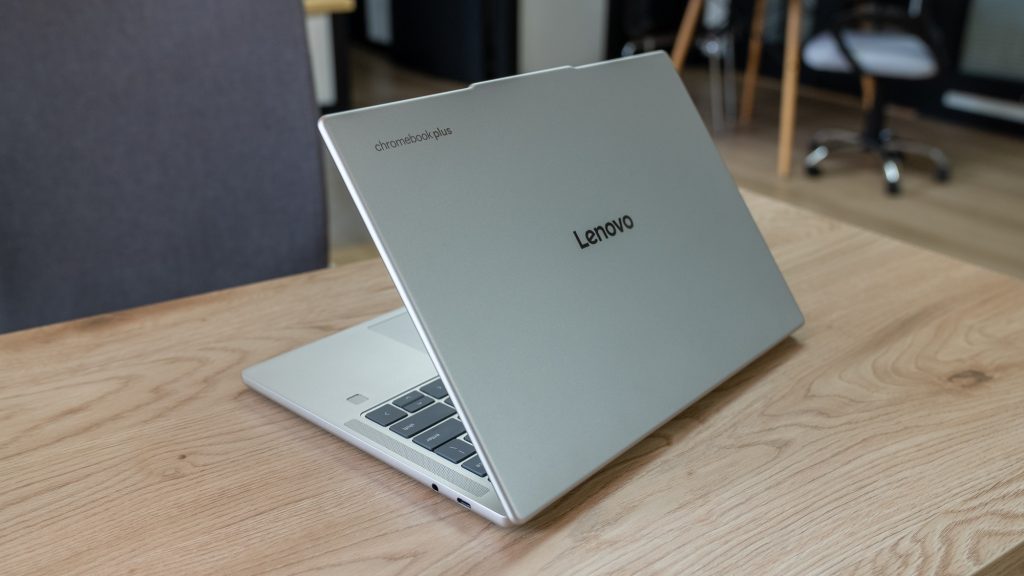
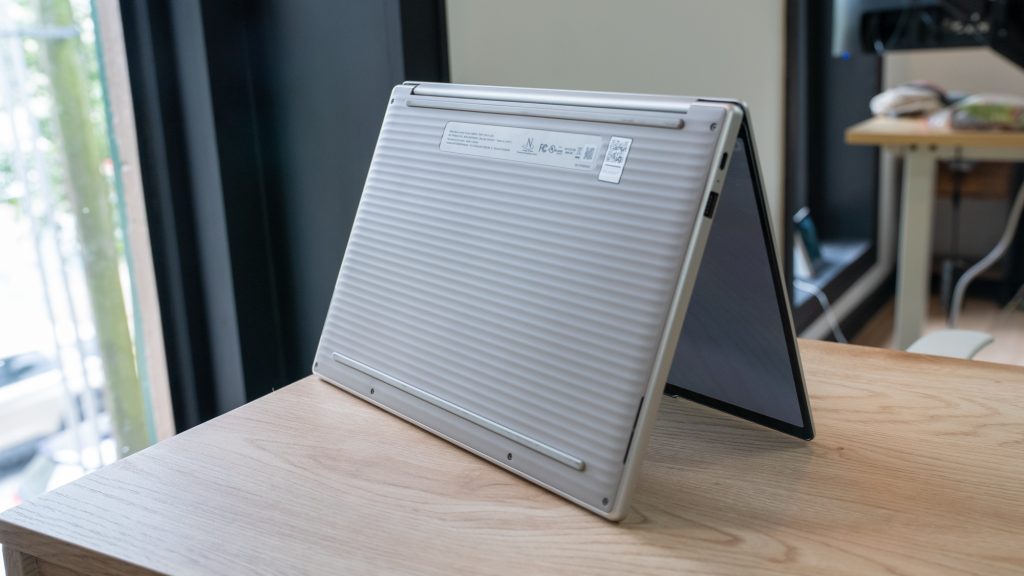


But the user experience is where the lineage really shines. Both devices are pure clamshells with touchscreens, but the focus is on the core laptop experience. The keyboard on this Lenovo is one of the best I’ve used, the trackpad is large and responsive, and the upward-firing speakers are excellent. It all feels so familiar to the Pixelbook Go, just refined a little.
But better in all the right ways
Where the Lenovo really earns the “successor” title is in its smart, modern upgrades. It takes that beloved Pixelbook Go formula and elevates it. The first key upgrade is the processor. This device is powered by the new MediaTek Kompanio Ultra chip, which delivers incredibly fast and snappy performance without the need for a fan. It’s silent, efficient, and runs Android apps flawlessly. The fingerprint scanner, a few extra ports, the new keyboard layout, crazy-long battery life, and a 5MP camera are all nice, modern upgrades, too.
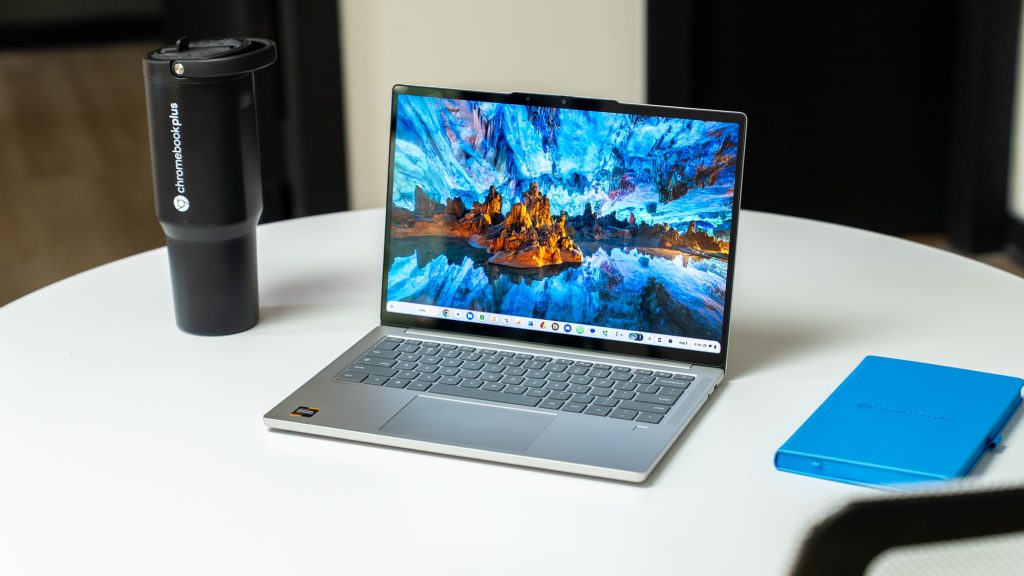
But the real showstopper is the display. The 14-inch, 16:10 OLED screen is simply stunning. The contrast is perfect, the 1920×1200 resolution is sharp, and the color accuracy is on par with devices that cost twice as much. In a final, Google-ly touch, the corners of the display itself are physically rounded, a subtle detail that gives this display a very premium touch.
It’s almost as if Google and Lenovo took all the best parts of the Pixelbook Go and infused them with modern power and a few thoughtful niceties. It takes everything I loved about my old daily driver and improves upon it in the ways that matter most. And I truly believe the Lenovo Chromebook Plus 14 is not just the closest thing to a Pixelbook Go on the market today – it’s the best Chromebook ever made.
SUBSCRIBE TO UPSTREAM
Get Chrome Unboxed delivered straight to your inbox
Upstream is our flagship, curated newsletter with the top stories, most click-worthy deals, giveaways, and trending articles from Chrome Unboxed sent directly to your inbox a few times a week. Join 31,000+ subscribers.

