


Support our independent tech coverage. Chrome Unboxed is written by real people, for real people—not search algorithms. Join Chrome Unboxed Plus for just $2 a month to get an ad-free experience, access to our private Discord, and more. Learn more about membership here.
START FREE TRIAL (MONTHLY)START FREE TRIAL (ANNUAL)
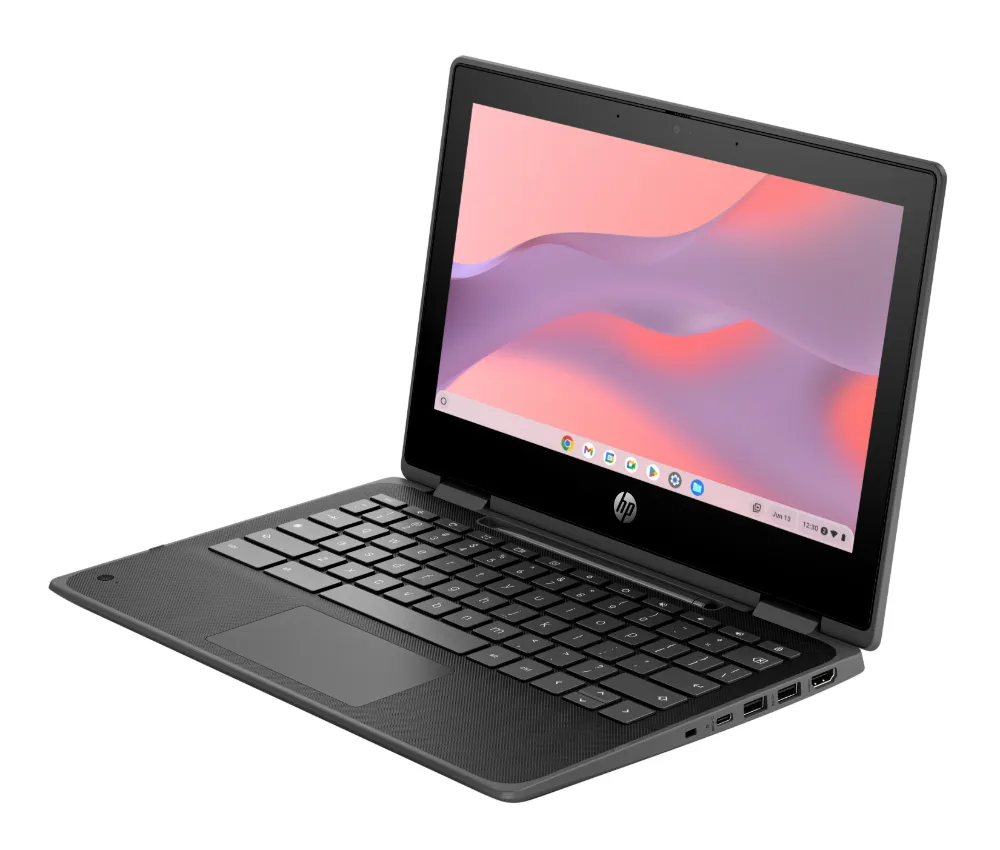
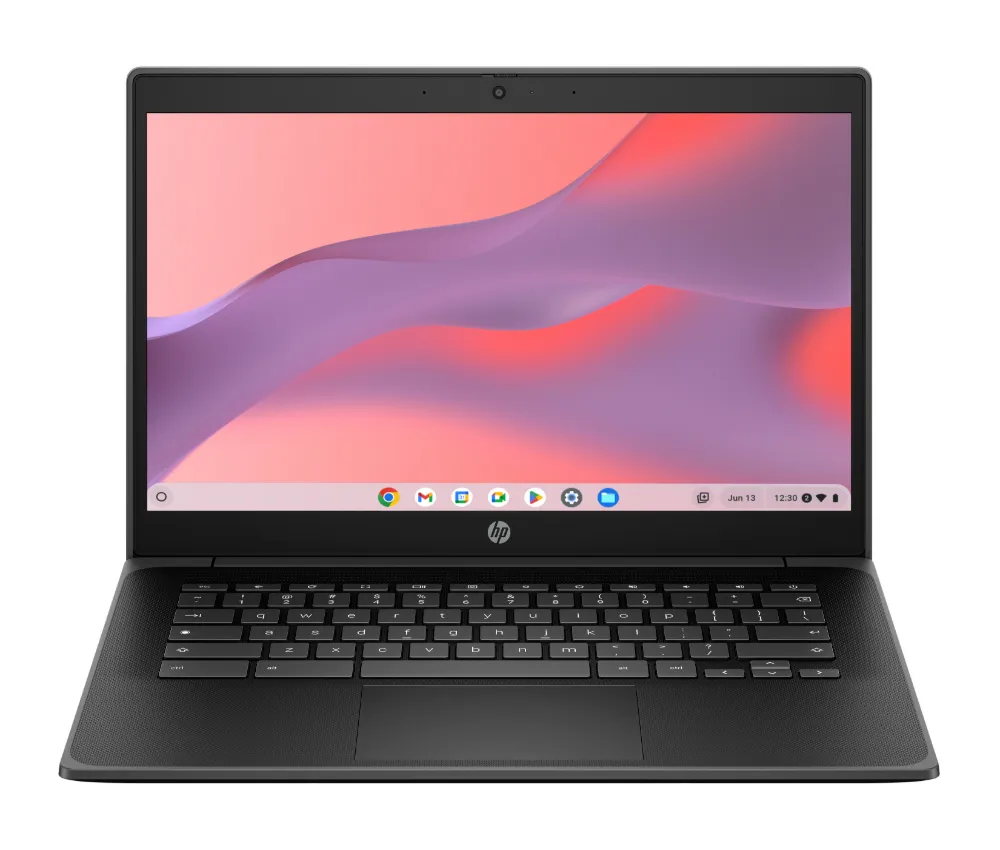
HP has recently expanded its Fortis lineup of Chromebooks and laptops with a range of new devices designed for the education market. The Fortis series is known for its durable design, and these new models are no exception. They feature co-molded rubber edges, spill-resistant keyboards, and MIL-STD testing to ensure they can withstand the rigors of daily use in the classroom. But the real story here is the introduction of Intel’s new N150 and N250 processors, which are making their debut in the Fortis G1i series. Let’s cover the hardware that was announced first, however.
New Fortis EDU Chromebooks from HP
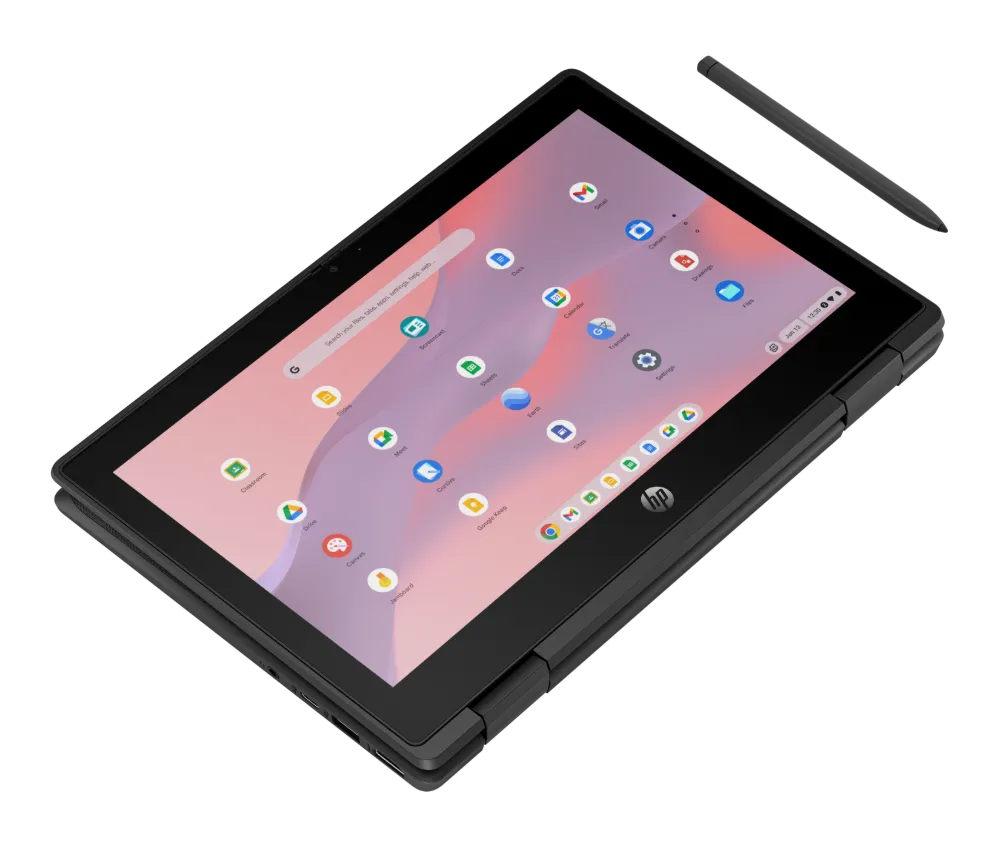
The Fortis G1i series comes in both 11-inch and 14-inch models, with the 14-inch variant being the only one to offer FHD display options. The 11-inch G1i and G1m models are also available in convertible “Flip” variants with touchscreens and an optional HP Slim Rechargeable Pen. All models feature Bluetooth 5.3, Wi-Fi 6E, dual 5Gb/s USB-C ports, and privacy webcams.
While the G1i series boasts the new Intel N-series chips, the Fortis G1m Chromebooks are powered by the MediaTek Kompanio 520 processor. Both lineups support fast charging, allowing the batteries to reach 90% in just 90 minutes. Storage options vary, with the G1i series offering up to 128GB of UFS storage and the G1m series maxing out at 64GB of eMMC storage.




The new Intel N150 and N250 processors
Now that we have the basics of the announcement out of the way, the real news under the surface is with the Intel processors we’re seeing in these new Chromebooks. You’d be forgiven for looking at this post and seeing yet another wave of classroom-ready Chromebooks. That’s exactly what they are, but on the inside, there’s a really interesting addition that we’ve not seen up to this point.
While there is a model with the MediaTek Kompanio 520 inside (the same chip in the Lenovo Slim 3), there are also two other options with the new Intel N150 and N250 small-core processors. Those model numbers might sound familiar, and they should. We’ve had the N100 and N200 (along with the i3-N305) for a couple years at this point in more affordable Chromebooks, so these two new Intel processors made me do a double take.
From benchmarks, I’ve been able to dig up a little bit about these new chips, and the performance gains aren’t earth-shattering: but they are there. The core architecture has moved from Alder Lake-N to Twin Lake and appears to be a couple generations newer. Additionally, the base clock frequency of the new N150 basically doubles that of the outgoing N100, so that should definitely result in performance gains.

I wasn’t able to find much on the N250, but it should give users similar jumps in performance that we saw in the N200 – a bit more horsepower, but not a massive shift. With both of these, I’m incredibly excited to see what these latest small core processors will be capable of. The N100 and N200 really did shift things in a pretty big way for low-cost Chromebooks, and I’m hopeful to see what comes of these latest SoCs from Intel. Hopefully we’ll have one in-hand soon to try it out!
SUBSCRIBE TO UPSTREAM
Get Chrome Unboxed delivered straight to your inbox
Upstream is our flagship, curated newsletter with the top stories, most click-worthy deals, giveaways, and trending articles from Chrome Unboxed sent directly to your inbox a few times a week. Join 31,000+ subscribers.

