


Support our independent tech coverage. Chrome Unboxed is written by real people, for real people—not search algorithms. Join Chrome Unboxed Plus for just $2 a month to get an ad-free experience, access to our private Discord, and more. Learn more about membership here.
START FREE TRIAL (MONTHLY)START FREE TRIAL (ANNUAL)
It’s not every day that you get the chance to unbox what could end up being the best Chromebook of the year. While we had a chance to play around with an early, pre-production model of the HP Elite Dragonfly Chromebook all the way back in January, it was clear that things were definitely not ready for prime time back then. Fast forward to June and things are quite different with the arrival of the retail-ready model of the Dragonfly we now have in the office.
Why the Dragonfly earns its ‘Elite’ title
As soon as we get into the boring-but-planet-friendly box, it doesn’t take long to remember why this Chromebook is so good. Starting with the outside, the Dragonfly is a striking dark navy color with HP’s new 4-line logo on the lid. With an all-aluminum/magnesium alloy body, thin frame, subdued fan ports and sub-3-pound weight, this Chromebook feels amazing in the hands right away. There’s no creaking or bending in the body and the overall sensation is that of portablility: until you crack open the lid.
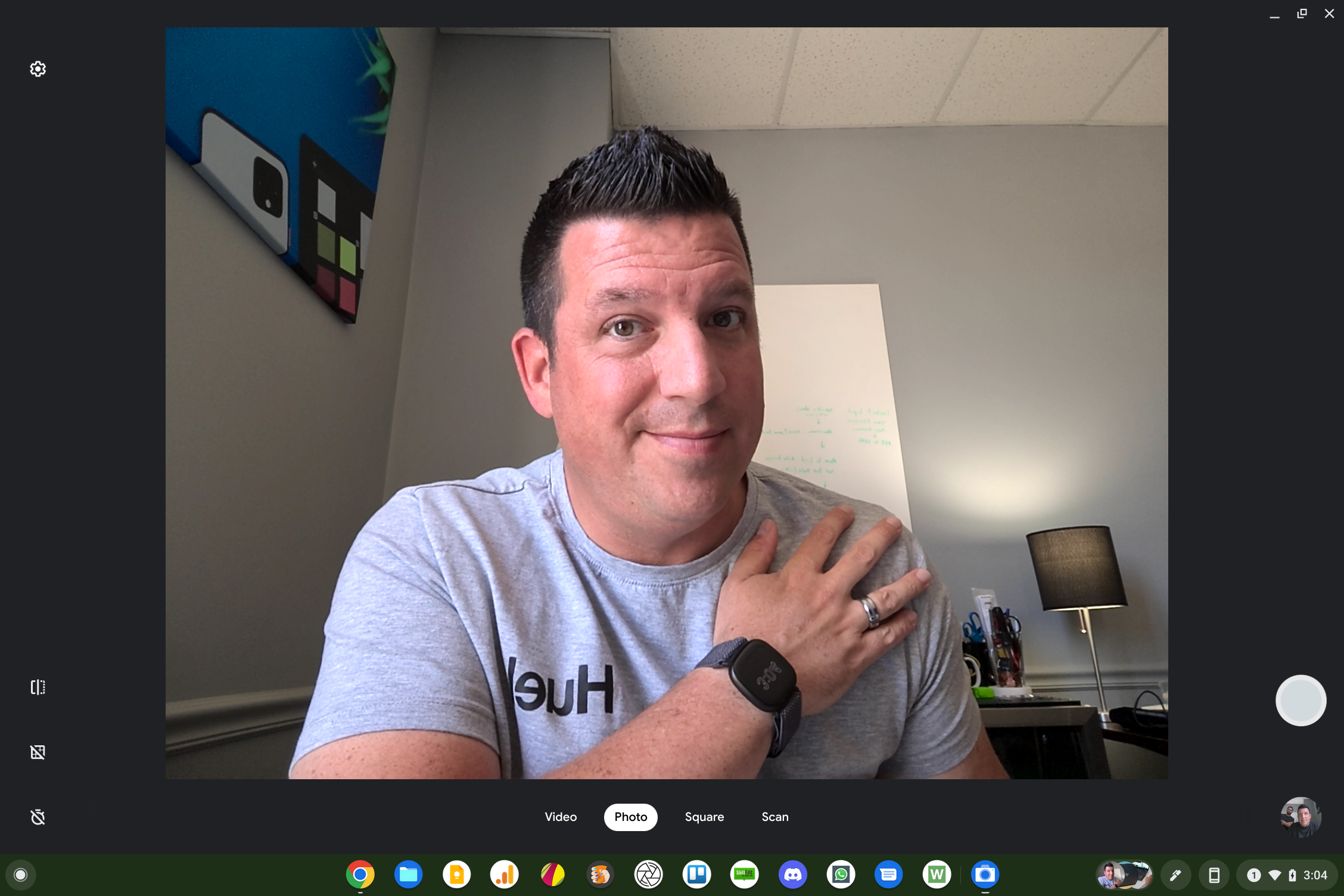
Inside is where things get really interesting as HP deploys the same size screen we see in Acer’s Spin 713 and Spin 513, giving this portable Chromebook a larger canvas than you expect from the exterior. Specifically, we’re dealing with a 13.5-inch QHD 2256×1504 display that gets up to 400 nits of brightness and looks colorful, vibrant and sharp. With reasonable top/bottom bezels and very small side bezels, the look is modern and clean with a 5MP camera up top; manual privacy shade in-tow. I’ll be testing the camera on this one a bit more closely, but right away I can tell HP has put real work into making this one of the best Chromebook cameras to date. Overall colors and exposure are WAY better than what we’re used to with webcams on Chromebooks to date.
Below the screen is a very satisfying backlit keyboard with a few extra function keys. The add-ons include a dedicated microphone toggle, a single keyboard backlight on/off key and the return of the play/pause key. So far, this keyboard is as good as HP makes, and that’s saying something. HP’s keyframes have been top-notch for years, and this is the best version of those already-great keyboards.
Below that keyboard is a world’s first in the completely haptic trackpad. That’s right: nothing on this trackpad actually moves, but it feels like it does. There are only a few settings right now and they generally control how hard you need to press down in order to register a click sensation. I prefer the light setting as it feels like a responsive, easy-to-use trackpad. The feedback under my fingers is delightful and I don’t have to worry that people who buy this Chromebook will get a poorly fitted version. Click anywhere on the surface you want and you’ll get the exact same, satisfying click every time. It’s fantastic.
To the right of that trackpad is the fingerprint scanner and magnetic area for the included, wireless charging USI pen. The fingerprint scanner is in the proper position (in my opinion) and works just as flawlessly as others we’ve tried on previous Chromebooks. The pen magnet right next door is sturdy and keeps the USI pen charged up and ready to use whenever it is needed.
Flanking the top and bottom of the keyboard deck are 4 speakers, two above and two below; and they pump out the sound. While not quite as rich and deep as the Pixelbook Go’s awesome cans, this quad-speaker setup sounds very nice in my limited testing. I’ll try out some more intense content for the review, but the initial trials showcase a solid sound setup for general use.
Inside, our review unit has the 12th-gen Intel Core i5 with 8GB of RAM and 256GB of internal storage. We’re not sure which configurations will eventually come available for general consumer purchase, but I really hope a couple options become available over time. The base model looks to be coming later with a 12-gen Intel Core i3, 8GB of RAM and 128GB of storage, but that one is reportedly going to start at $1149. Sure, that still gets you all the perks above, but those specs will make it a hard sell for most buyers. With devices like the excellent Acer Chromebook Spin 513 having some of the same upsides as this stellar Dragonfly Chromebook at half the cost, it will be interesting to see how things shake out once it begins arriving in stores. For now, it is time for the review to begin, and to find out if all the perks in the Dragonfly are worth the asking price.
SUBSCRIBE TO UPSTREAM
Get Chrome Unboxed delivered straight to your inbox
Upstream is our flagship, curated newsletter with the top stories, most click-worthy deals, giveaways, and trending articles from Chrome Unboxed sent directly to your inbox a few times a week. Join 31,000+ subscribers.

