

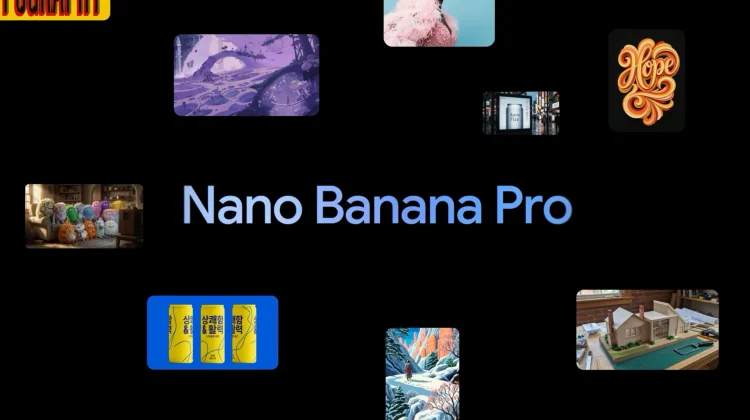
We recently covered the launch of Nano Banana Pro, and Google isn’t just dropping this into a standalone app and calling it a day. Right away, they are injecting this new model directly into Google Workspace, and it brings some genuinely useful features to the tools many use every day—specifically Google Slides and NotebookLM.
Google Slides: The “Beautify” Button
If you are design-challenged, this is the headline feature. Google Slides is getting a new feature called “Beautify this slide.” Instead of struggling with alignment and font choices, you can click a button and Gemini will analyze your existing content to create a “thoughtfully designed visual” that matches the look and feel of your deck. Because it uses the new Nano Banana Pro model, it handles text perfectly, ensuring your labels and headers remain legible.
“Help me visualize” also gets a major upgrade; so you can now generate professional infographics directly in Slides. Because the model is connected to Google Search, it understands real-world objects and places, so you can ask for a “growth chart for a String of Turtles plant” and get accurate visual data.
NotebookLM turns notes into Slides
NotebookLM has been the breakout star of Google’s AI tools over the past year (especially with the Audio Overviews feature), and it just got another killer capability. You can now use it to visualize key insights from your sources.
- Instant Infographics: Turn a complex PDF or doc into a digestible infographic.
- Source-to-Slides: You can now create “complete and polished slide decks directly from your sources” and export them as a PDF. This is a massive time-saver for students and researchers who need to present their findings.
Google Vids & Gemini App
The update also hits Google Vids (Google’s video creation tool for work), adding multi-turn prompting. This allows you to refine an image iteratively—asking Gemini to “make the background blue” or “move the character left”—to get the exact asset you need for your video.
Availability
This rollout begins today, November 20, for Rapid Release domains and will continue gradually over the next 15 days. It is available to Google Workspace Business Standard and Plus, Enterprise users, and Google AI Pro/Ultra subscribers.
One small catch: Google notes that Workspace customers will get “promotional access to higher usage limits” for at least 60 days to try these features out, but per-user limits will apply after that period. So, enjoy the unlimited beautification while it lasts!
Join Chrome Unboxed Plus
Introducing Chrome Unboxed Plus – our revamped membership community. Join today at just $2 / month to get access to our private Discord, exclusive giveaways, AMAs, an ad-free website, ad-free podcast experience and more.
Plus Monthly
$2/mo. after 7-day free trial
Pay monthly to support our independent coverage and get access to exclusive benefits.
Plus Annual
$20/yr. after 7-day free trial
Pay yearly to support our independent coverage and get access to exclusive benefits.
Our newsletters are also a great way to get connected. Subscribe here!
Click here to learn more and for membership FAQ

