

Support our independent tech coverage. Chrome Unboxed is written by real people, for real people—not search algorithms. Join Chrome Unboxed Plus for just $2 a month to get an ad-free experience, access to our private Discord, and more. Learn more about membership here.
START FREE TRIAL (MONTHLY)START FREE TRIAL (ANNUAL)
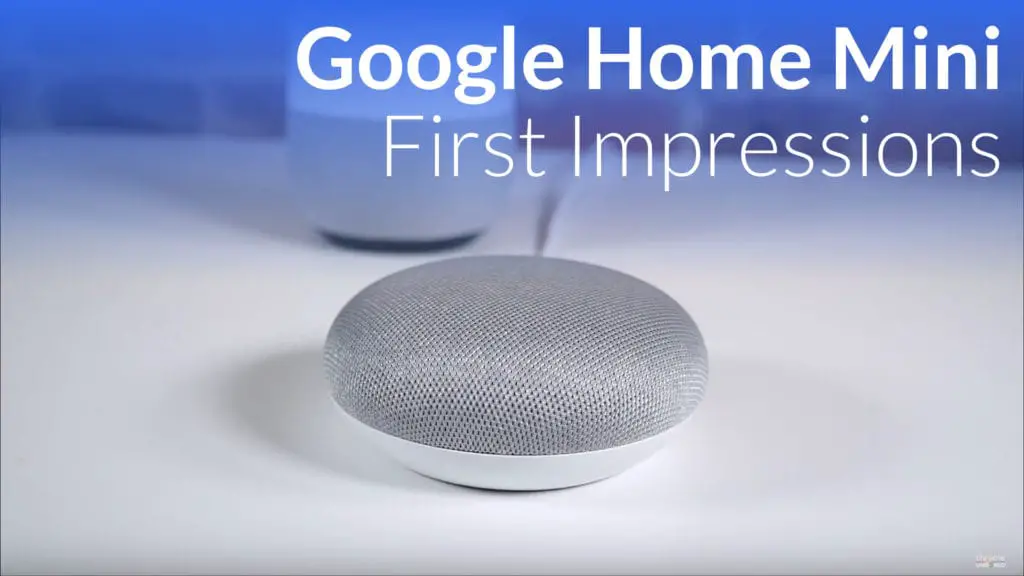 As a device that has been rumored and leaked for quite some time, the Google Home Mini doesn’t exactly come in as a surprise or shock.
It doesn’t even really do anything new when compared with the year-old Google Home. As a matter of fact, it even manages to do a few things less adeptly.
But the thing it does better, it does A LOT better. Keep reading for our initial impressions and a video about our early days with Google Home Mini.
Affordable
The Google Home Mini’s biggest draw is clearly its price tag. With a feature set nearly identical to the original Google Home, the Google Home Mini’s greatest accomplishment is the fact that it comes in at only $49.
This price, paired with a full Google Home experience really drives the worth of this device through the roof. With the original Google Home coming in at $129, the $49 Google Home Mini is almost cheap enough to buy 3 for the price of one regular Google Home. Instead of having one voice-activated speaker, you could have one in each of 3 rooms you regularly inhabit for only $20 more.
You could also just buy the one and smile with $80 left in your pocket.
A Few Drawbacks
Every price cut comes with sacrifice, and the Google Home Mini is no exception here.
First – and most important – is the speaker. It is loud and projects in all directions, but it is limited in its dynamic range. The bass response, for instance, is non-existant. Even if it was slight, I’d give it a pass. It is not, however, and music played over this speaker simply has no bass at all.
The audio is clear, but don’t mistake this as a device that will replace a dedicated speaker of any sort for media consumption.
If Google would have included an AUX out port, perhaps this wouldn’t be a big deal. However, that isn’t an option this time around, so you might want to invest in a Chromecast Audio.
Good Looks
For what it lacks, though, the looks, functionality and price truly combine for a very attractive package.
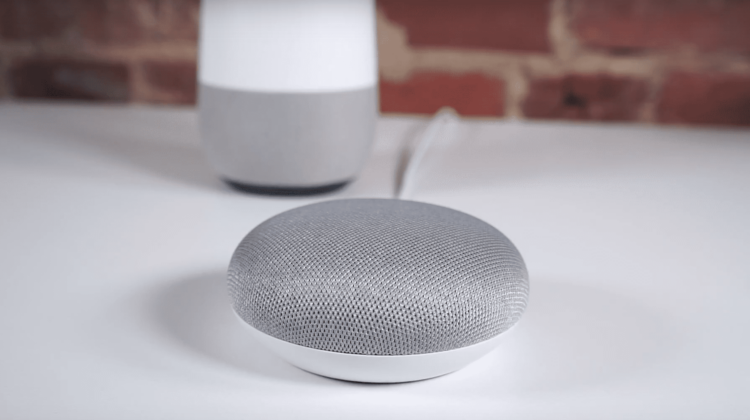
The material covering the top was custom-made by Google to allow touch inputs, LED lights, and full sound throughput. It is small and unassuming, coming in 3 colors (gray, charcoal, and coral), and really will stay more out of the way than the original Google Home model.
All the ways you expect to interact with Google Home are here. Google Home Mini is always listening and waiting for you to call on it with a simple “OK Google,” while the touch enabled top is able to play/pause with a tap on top, adjust volume with a tap on either side, and the LEDs dance around and shine almost magically through the material on top.
There’s literally nothing the older, larger, more expensive Google Home can do that the more diminutive Google Home Mini cannot. Assistant is Assistant, no matter what size the speaker is.
Order The Google Pixelbook on Amazon
Lastly, there is a rubber bottom to squelch slips and slides along with a mute switch on the back. I’d prefer a button, but this works, too.
Though its only been a few days with Google Home Mini, I can definitively say this little guy is a steal at $49. For those of you considering getting a smart speaker and leaning towards Google Assistant, this is the easiest and most affordable way in at this point. At $49, I simply cannot recommend this device enough.
The only people I’d recommend the larger Google Home to would be those wanting a nice speaker in addition to just Google Assistant access. For all the rest just looking for a Google Home experience that is affordable, this one is for you!

