


Support our independent tech coverage. Chrome Unboxed is written by real people, for real people—not search algorithms. Join Chrome Unboxed Plus for just $2 a month to get an ad-free experience, access to our private Discord, and more. Learn more about membership here.
START FREE TRIAL (MONTHLY)START FREE TRIAL (ANNUAL)
Sector 5 may not be the first name you think of when you’re shopping for a Chromebook but the U.S. based technology company has been supplying Chrome OS devices to the EDU sector since 2015. The company’s products and services include Chromebooks, management licenses, charging solutions and more that are geared toward the K-12 classroom as well as B2B customers that need rugged devices for frontline service workers. Sector 5 hasn’t released a new Chromebook since the beginning of 2019 but that doesn’t me they haven’t been keeping busy.
Sector 5 hasn’t “officially” let the cat out of the bag, but the company has been quietly working on a new, LTE-enabled Chromebook the will be available at some point in the next couple of months. We got our hands on the Sector 5 E4 LTE Chromebook and wanted to bring you a quick, first look before we give it the full review treatment. Let’s take a look at the specs and then we’ll talk a little about my first impressions when we took the E4 out of the box.
Sector 5 E4 LTE Chromebook
- Chrome OS
- Intel N4020 Gemini Lake-R processor
- 4GB LPDDR4 RAM
- 32GB eMMC
- 11.6″ IPS touch display
- Bluetooth 5
- Gigabit Wi-Fi
- Fibocom L850-GL 4G/LTE/WCDMA Modem
- 2 x USB-C, 1 x USB-A, SIM slot, MicroSD and 3.5mm audio
- 180-degree fold-flat design
- reinforced ports and hinges
- spill-resistant keyboard with drain channel
- 720p webcam
- retractable carrying handle
- Android and Linux app support
- 2.93 lbs
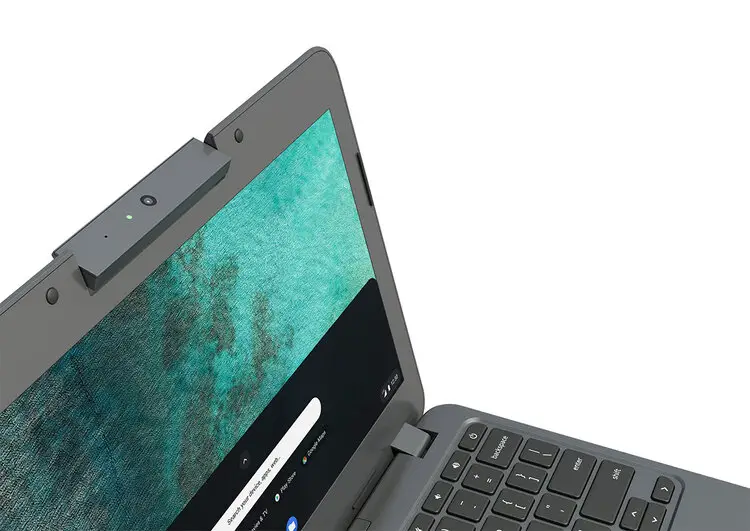
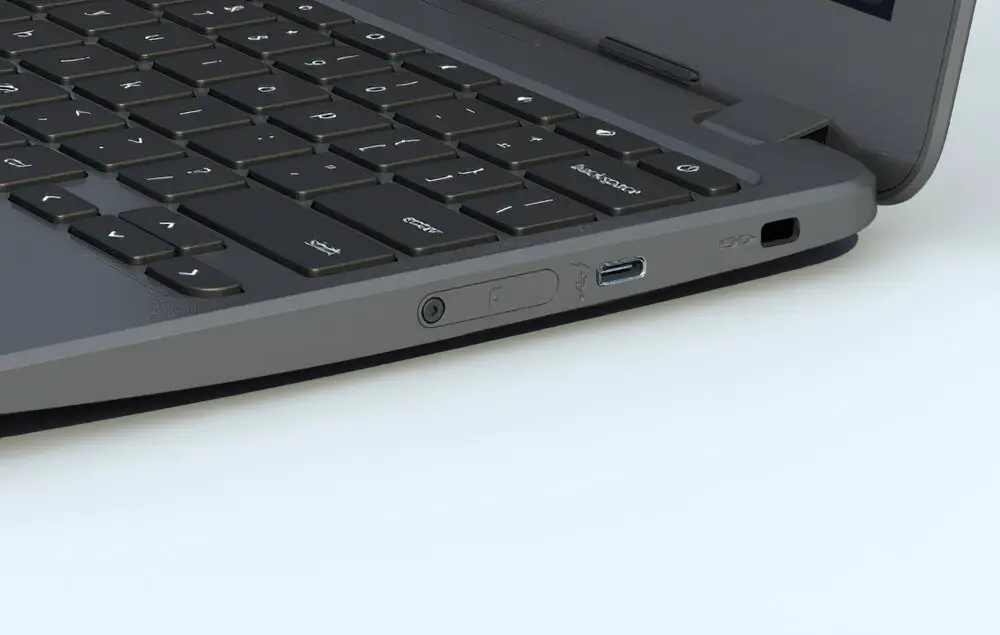
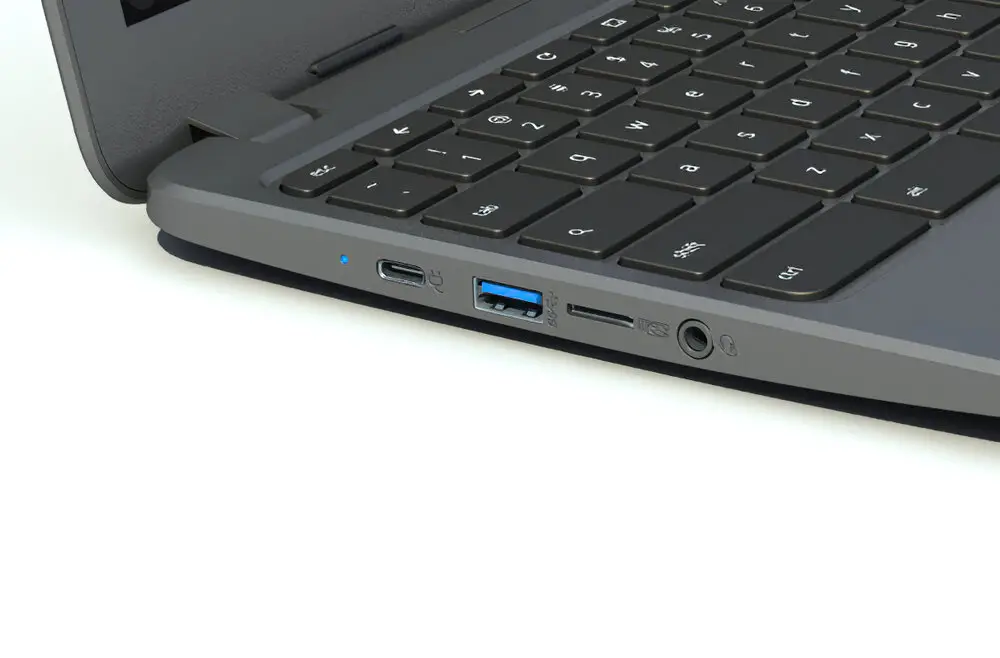
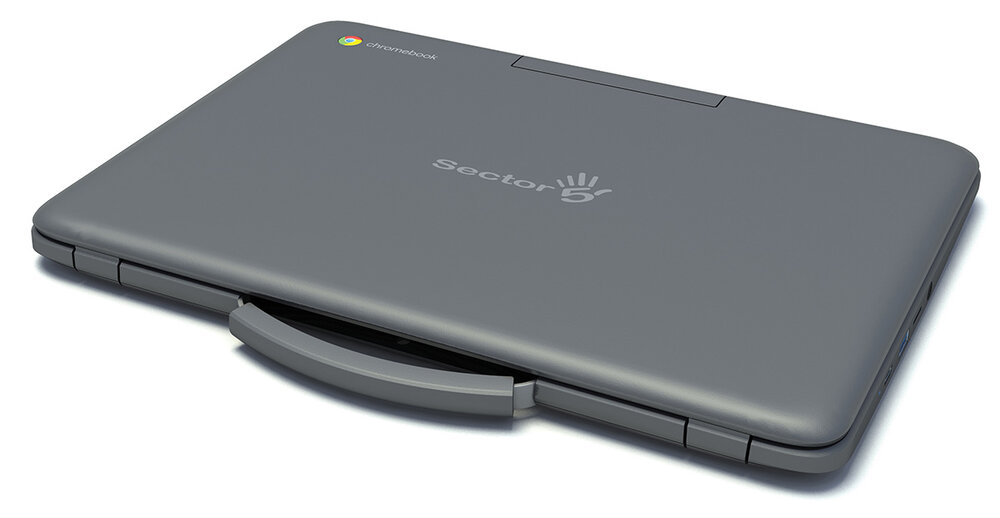
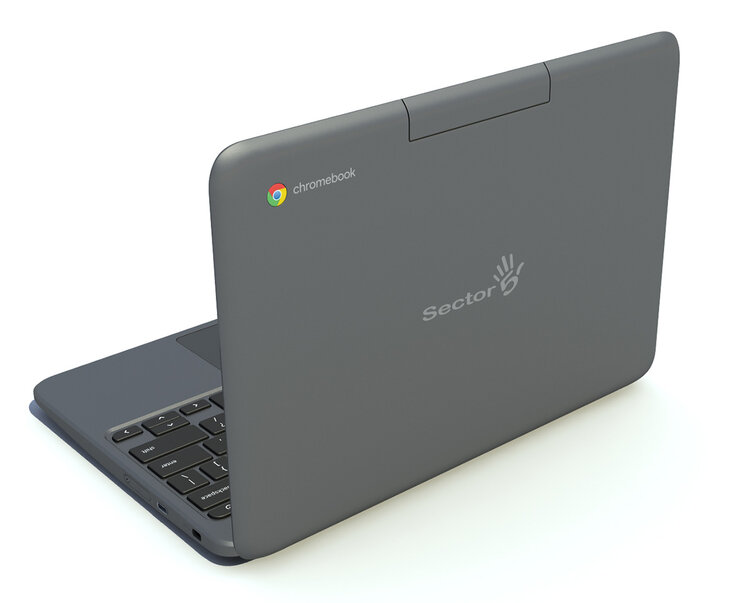
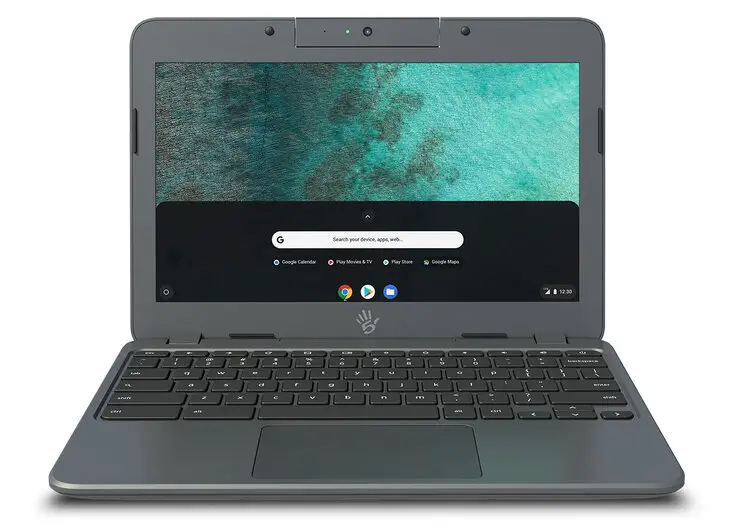
Obviously, this device is geared towards the classroom or the on-the-go employee but truth be told, there’s a lot going on here. We’ll save the final verdict for the full review but this Chromebook features the latest Gemini Lake processor that we’ve seen put up Octane scores of nearly 17,000. That’s no slouch and honestly, it will chew through almost anything the average user would throw at it. More importantly, the Sector 5 E4 Chromebook is equipped with a SIM tray that allows users to add a mobile data plan from Verizon. Most of us have tethering available via our mobile phones but for the classroom or mobile employee, having an always-connected device is a huge deal. On top of that, this is a rugged device that offers drop and spill resistance but it doesn’t feel like a slab of marble when you pick it up. It actually feels quite portable.
The Sector 5 E4 LTE Chromebook will retail for $349 with the data plan available from Verizon at an additional charge. As I said, we want to take this guy for a drive for a couple of days before we bring you a full review but I will leave you with this one teaser. Nearly every EDU device we’ve ever reviewed has had displays that range from mediocre to absolutely atrocious. The Sector 5 has what we think could be the best display we’ve ever seen on a rugged educational Chromebook. As a matter of fact, we set it beside HP’s newest flagship x360 14 and while the colors weren’t as vibrant, I think the Sector 5 might actually be brighter. We’ll do some testing to get some accurate numbers but the screen is bright, the colors are good and the viewing angles much better than the average Chromebook. To learn more, head over to Sector 5. You can contact them directly to get a quote or get more information on the E4 LTE Chromebook.

