


Support our independent tech coverage. Chrome Unboxed is written by real people, for real people—not search algorithms. Join Chrome Unboxed Plus for just $2 a month to get an ad-free experience, access to our private Discord, and more. Learn more about membership here.
START FREE TRIAL (MONTHLY)START FREE TRIAL (ANNUAL)
The Chromebook landscape is continually evolving, and a big part of that recent evolution over the past year or so is a new wave of Chromebook devices designed to empower educators and students alike. Chromebook Plus is now established, and it’s bringing some serious improvements to the classroom with improved hardware and better software capabilities. But what exactly sets it apart from the standard Chromebooks we’ve all become familiar with over the past decade?
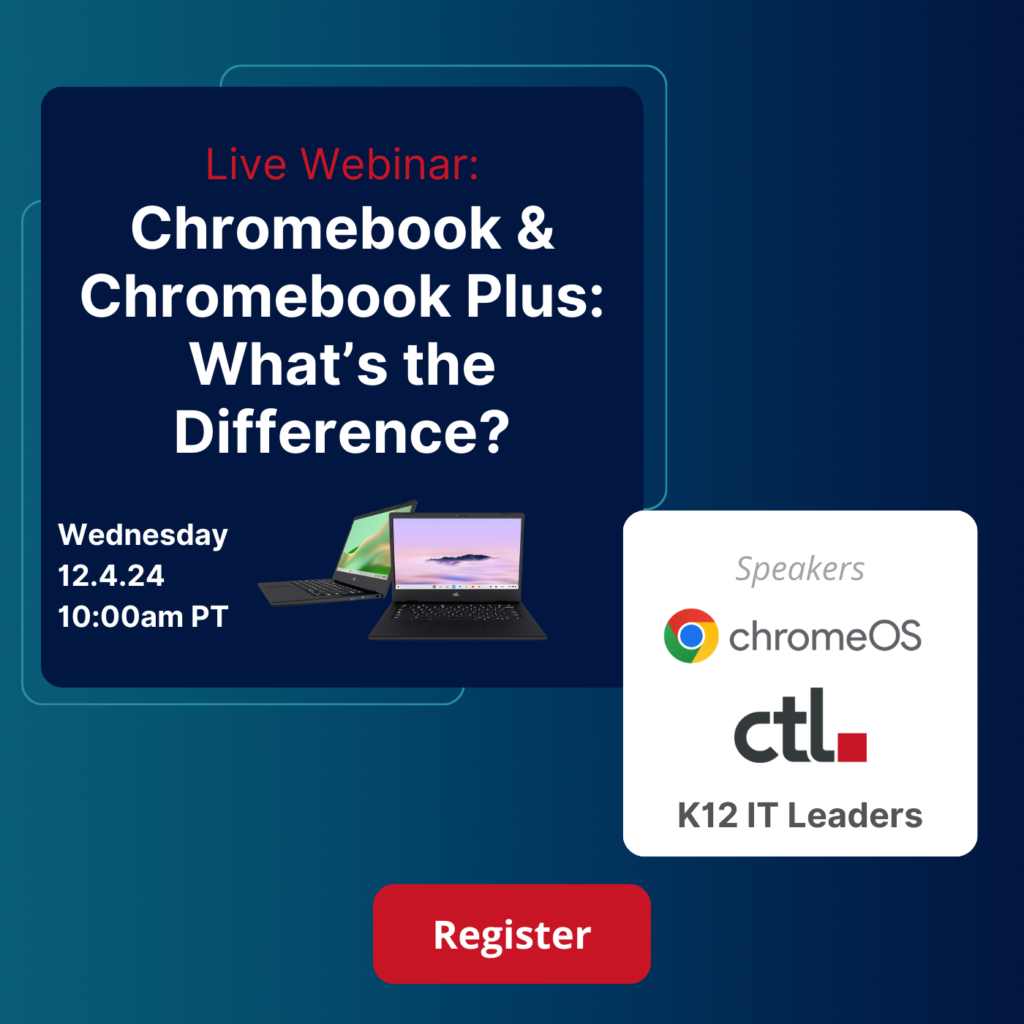
With an intent on tackling that exact topic, CTL is hosting a free webinar on December 4th, 2024 at 10:00 AM PT to answer questions like these. They’ll be sitting down with the ChromeOS team, seasoned IT leaders, and CTL experts to unpack the Chromebook Plus phenomenon and explore how it can truly impact both teachers and students in the classroom.
What to expect
- Chromebook vs. Chromebook Plus: A Head-to-Head Comparison – CTL will break down the key similarities and differences between these two distinct Chromebook types, focusing on how each leverages AI to enhance educational outcomes. Expect live demos showcasing the enhanced security features and AI capabilities that set Chromebook Plus apart.
- Real-World Deployment Strategies – Hear firsthand from K12 IT leaders who have successfully integrated Chromebook Plus into their schools. They’ll share invaluable insights into teacher training, student adoption, and maximizing the impact of these devices in the classroom.
- A Closer Look at the Hardware – Chromebook Plus isn’t just about software; it’s packing some serious hardware upgrades, too. This webinar will provide a concise overview of the enhanced power, memory, and features that make Chromebook Plus ideal for teachers, staff, and advanced students who demand more from their devices.
- Live Q&A: CTL will also have a live Q&A session where you can get your questions answered by an expert panel.
Don’t miss out on this informative and engaging webinar! If you are an educator or IT Admin, there’s so much you can learn from these experts, and it’s free to join! Chromebook Plus marks a massive step forward for the classroom setting in multiple ways, and learning how to properly leverage it is vital. Mark your calendars and get registered now!
Meet the Speakers
- Google ChromeOS Team: Edward Doan, Partner Engineering Manager
- St. Michael the Archangel School: Brayden Matsko, IT Lead
- CTL: Michelle Manson, VP of Marketing
- CTL: Amber Gardner, Sr. Account Manager
Sponsored content: This content is paid for by the brands indicated. This content is informational and not opinionated but still falls in line with the content that our readers have come to expect. The promotions allow us to grow and continue to provide more unique and original content for you, our readers. Want to partner with us? Click here.
SUBSCRIBE TO UPSTREAM
Get Chrome Unboxed delivered straight to your inbox
Upstream is our flagship, curated newsletter with the top stories, most click-worthy deals, giveaways, and trending articles from Chrome Unboxed sent directly to your inbox a few times a week. Join 31,000+ subscribers.

