


Support our independent tech coverage. Chrome Unboxed is written by real people, for real people—not search algorithms. Join Chrome Unboxed Plus for just $2 a month to get an ad-free experience, access to our private Discord, and more. Learn more about membership here.
START FREE TRIAL (MONTHLY)START FREE TRIAL (ANNUAL)
Chrome OS 78 is officially rolling out for users and you can find the “official” features found in this release by checking out the announcement here. As we expected, there were a few more features that came along for the ride and 9to5Google has already spotted a couple of them.
Split Settings Menu
The settings menu for Chrome devices has lived in two places for as long as I can remember. You can find the more system-oriented version by clicking the system tray and selecting the gear icon. From there, you could peruse through device and browser settings all in one place. Alternatively, you could point your URL bar to chrome://settings and achieve the same result only inside of a browser tab.
With Chrome OS M78, the browser and device settings have now been separated. When you look at chrome://settings (or click the three-dot menu at the top right and select settings), you will see browser-related items just as you would with Chrome desktop. Navigating to the system tray settings menu will give you Chrome OS device-specific options as you can see in the images below.
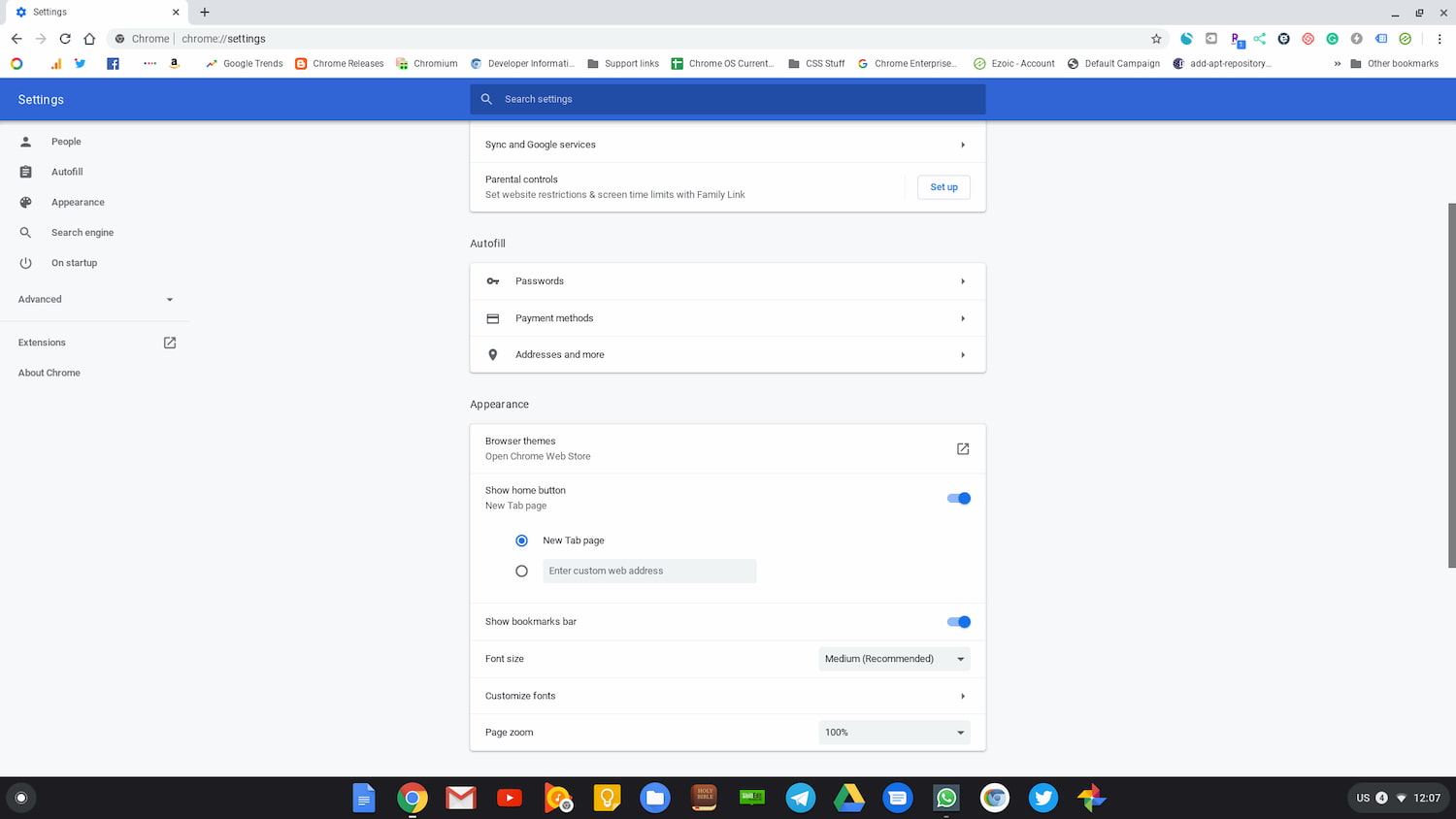
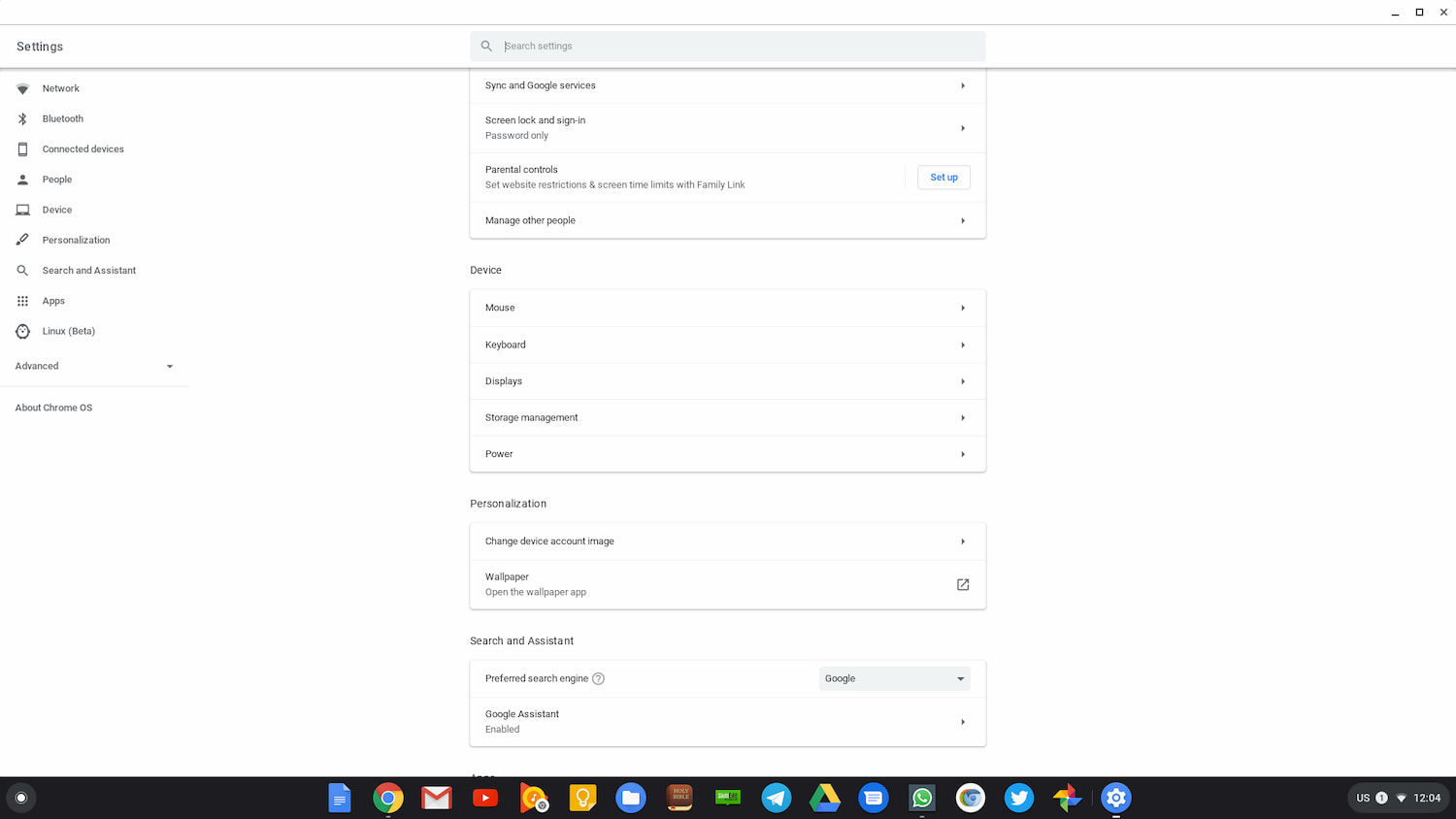
There isn’t really anything new to see here. Developers have just decided to split the settings apart. For Chrome users migrating from the desktop version of the browser, this will likely make more sense. Browser settings in the browser and device settings in the system tray. Easy peasy.
YouTube Picture in Picture
Picture in Picture (PiP) has been baked into the Chrome browser for a while now and it works, for the most part, very well with most video platforms. Chrome OS M78 brings that feature over to the Android side of things with the addition of PiP support for the YouTube Android app. Personally, I don’t use the app (Actually, I don’t use Android apps on Chrome OS at all. The Play Store is turned off entirely unless I need to test something.) on my Chromebook but I’m sure there are those that do and now, you too can have Picture in Picture.
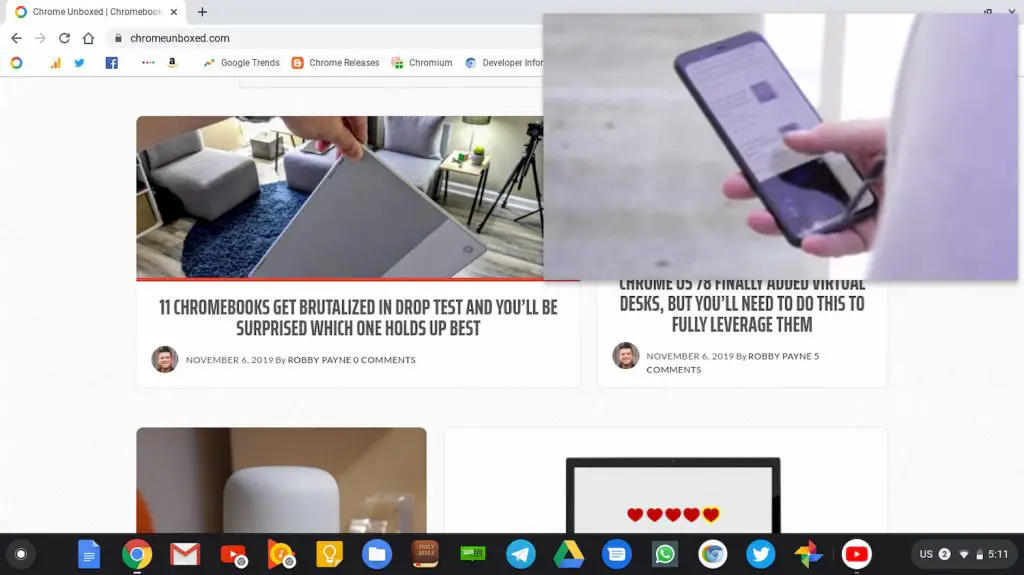
When viewing a video with the YouTube Android app, you can switch to a new window, minimize the app or open another app and you will be greeted by the pop-out PiP video in the bottom right of your display. Clicking the video will return the app to fullscreen and it pop-out has basic track and audio controls. The best part is that, like the web player, you can repositing and resize the PiP video to your liking.
We’ll probably discover more in this update in the coming days but as of now, Chrome OS M78 should be available to most users. If you haven’t received the update, head to the system tray and click the gear icon. On the left, click About Chrome OS and select the “Check for updates” button. Let us know if you’ve discovered something new in the latest version and we’ll update ASAP.
SUBSCRIBE TO UPSTREAM
Get Chrome Unboxed delivered straight to your inbox
Upstream is our flagship, curated newsletter with the top stories, most click-worthy deals, giveaways, and trending articles from Chrome Unboxed sent directly to your inbox a few times a week. Join 31,000+ subscribers.
Source: 9to5Google

