


Support our independent tech coverage. Chrome Unboxed is written by real people, for real people—not search algorithms. Join Chrome Unboxed Plus for just $2 a month to get an ad-free experience, access to our private Discord, and more. Learn more about membership here.
START FREE TRIAL (MONTHLY)START FREE TRIAL (ANNUAL)
Discovered in August of this year, Chrome’s mysterious “Kaleidoscope” feature has actually been in the works since the end of 2019, and now, it appears that we could see the web-based media hub in action very soon. Navigating to chrome://kaleidoscope in the Stable build of Chrome or Chrome OS will likely present you with the following message and nothing else to do.
Chrome Kaleidoscope is not currently available for your account. If you are a Googler check out go/kaleidoscope-not-available for more information.
In August, Chrome Story’s Dinsan Francis was actually able to get a closer look at kaleidoscope. That look gave us a pretty good idea of what Google was working on as the user flow presented options to link popular streaming services like Disney+, Netflix, and others. Sound familiar? It should. This is exactly what Google Play Movies, now Google TV does and it’s more than simply wrangling all of your streaming accounts into a single user-friendly space. More on that in a minute. We have suspected for weeks that “Kaleidoscope” is just the working code name for Google’s version of Google TV on the web and our staff writer Michael Perigo grabbed a screenshot that reinforces that theory.
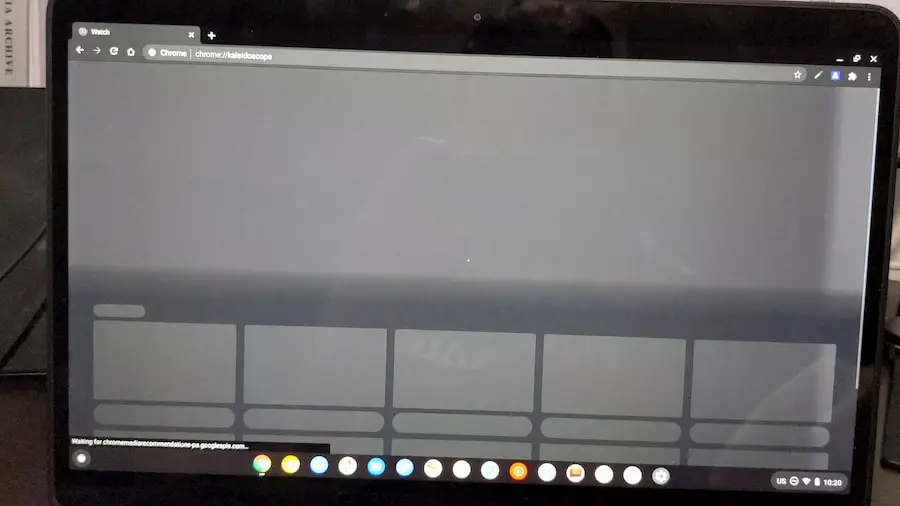
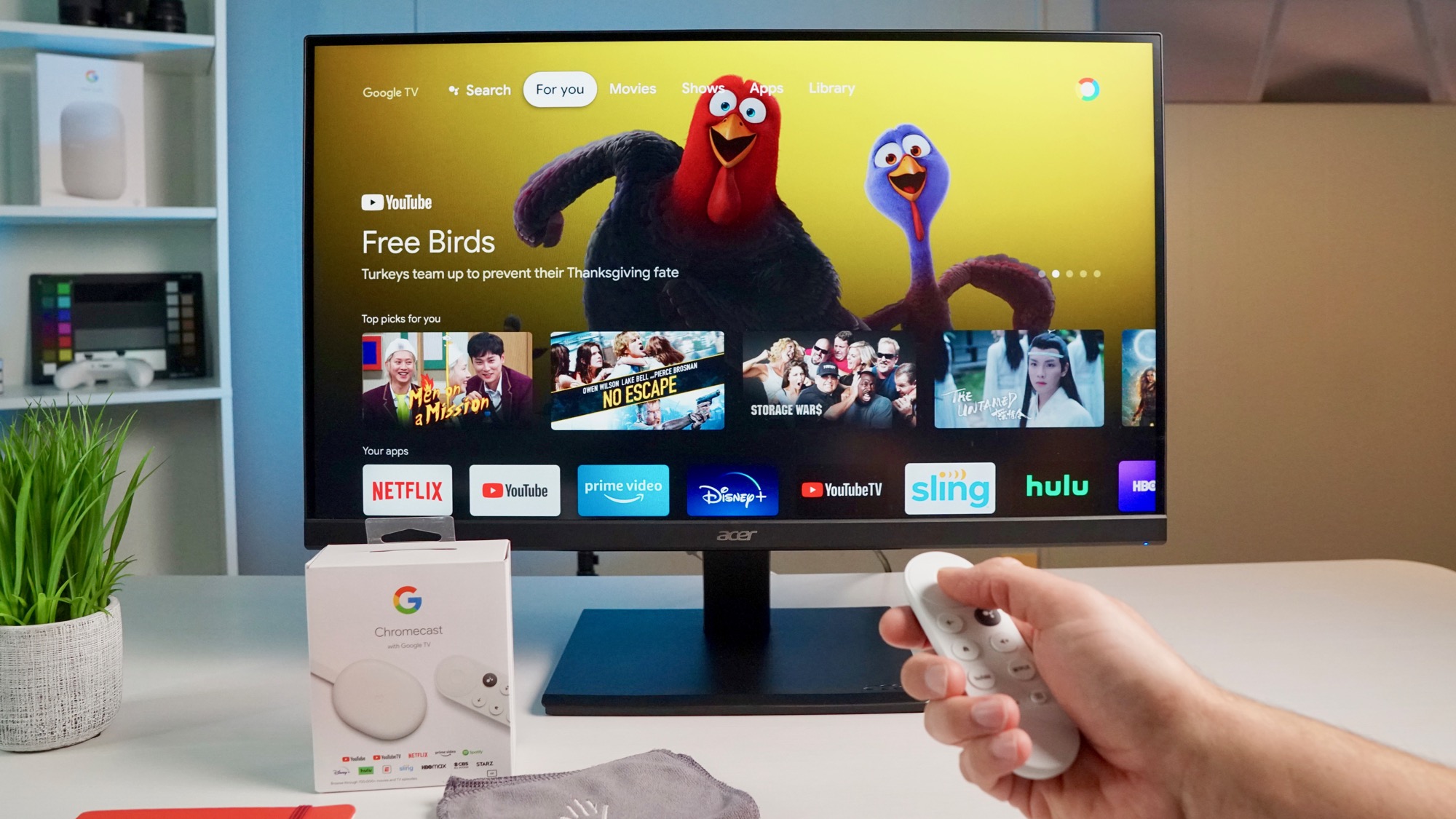
The left image above appears in a split-second blip when you go to chrome://kaleidoscope just before you get the unavailable message. It looks very similar to the image on the right which happens to be the home screen for Google TV that is the “hub” for the new Chromecast w/remote that debuted a couple of months ago.
More recently, an update to the Canary channel of Chrome OS presented me with the landing page for Kaleidoscope and it brings even more clarity to Google’s intentions for the project. As you can see below, the landing page will allow users to link eligible services so that Google can offer up personalized recommendations for streaming content.
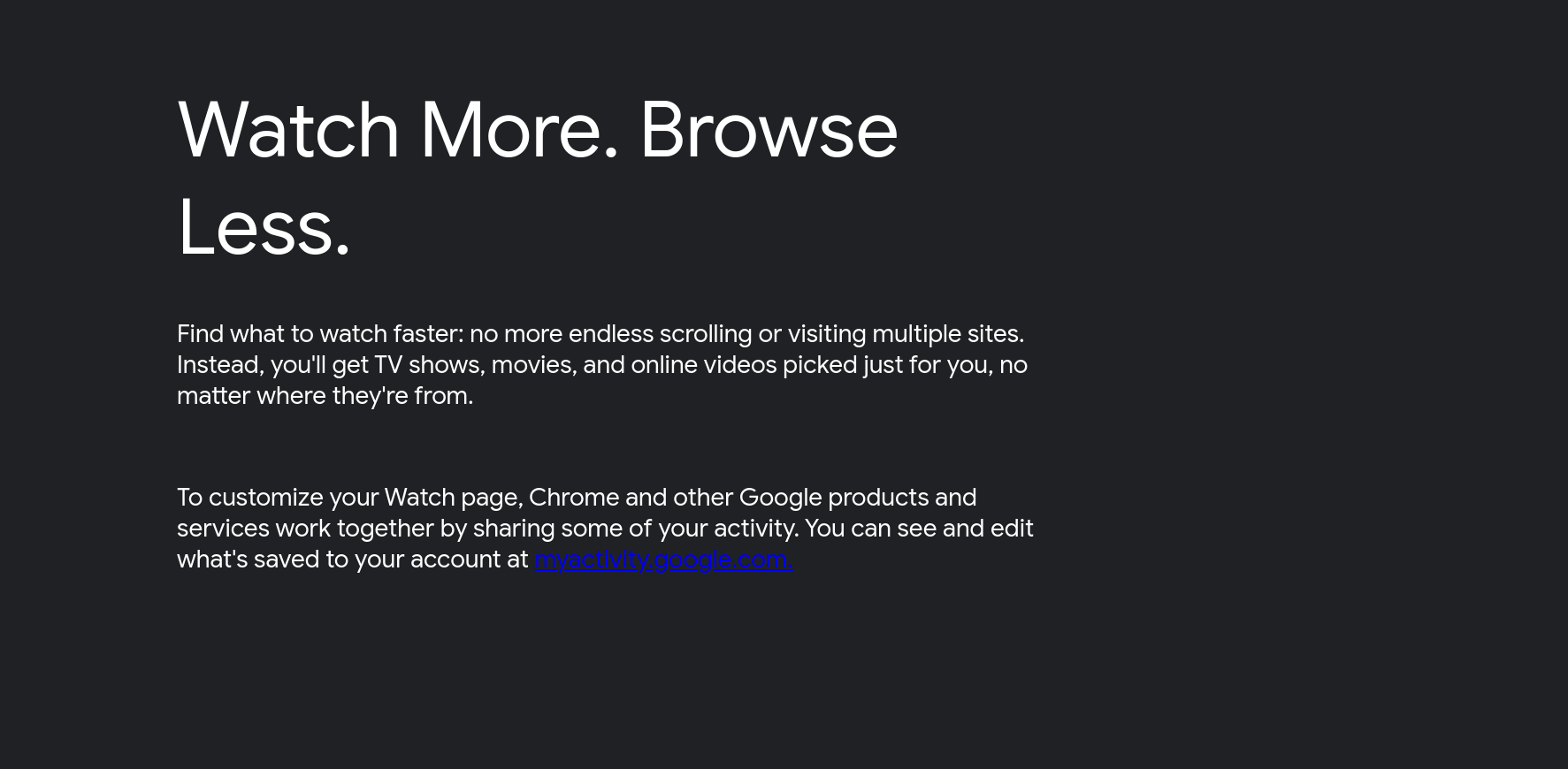
Again, this doesn’t really come as a surprise. For weeks, the favicon for Kaleidoscope has been a play button and the tab description simply says “Watch.” I don’t know if this will eventually be rebranded but I have a sneaking suspicion that Kaleidoscope will eventually become Google TV on the web. When you navigate to the Google TV website, Kaleidoscope will probably be the “watch in your browser” option where you will be able to find all of your connected services and recommended content.
This project is just another addition to Google’s growing content curation efforts. Just recently, I’ve started seeing more and more streaming content recommendations in my phone’s Discover feed. It’s very likely that along with Google TV on the web, users may soon see content recommendations on Chrome’s New Tab Page where Google is already tinkering with shopping widgets and other modules. We’ll keep a close watch on this new feature and let you know when it becomes available in the more stable channels of Chrome and Chrome OS. Personally, I love having all of my streaming content in one place and I welcome Kaleidoscope however it takes shape.
SUBSCRIBE TO UPSTREAM
Get Chrome Unboxed delivered straight to your inbox
Upstream is our flagship, curated newsletter with the top stories, most click-worthy deals, giveaways, and trending articles from Chrome Unboxed sent directly to your inbox a few times a week. Join 31,000+ subscribers.

