

Support our independent tech coverage. Chrome Unboxed is written by real people, for real people—not search algorithms. Join Chrome Unboxed Plus for just $2 a month to get an ad-free experience, access to our private Discord, and more. Learn more about membership here.
START FREE TRIAL (MONTHLY)START FREE TRIAL (ANNUAL)
One of my favorite gestures for Chrome OS that has been around for years is the ability to use a 2-finger swipe in either direction to forward or back in your browsing history. Combined with the 3-finger swipe to jump between tabs and you have gesture support for a few of the most-used navigation needs while browsing the web.
On the flip side, there’s a gesture I use constantly when using Chrome on my phone: pull down to refresh. However, this nice little trick isn’t fully available on Chrome OS just yet and I constantly find myself wishing it was. In the same way, I constantly want to swipe to either side on my phone while browsing to go back or forward in Chrome.
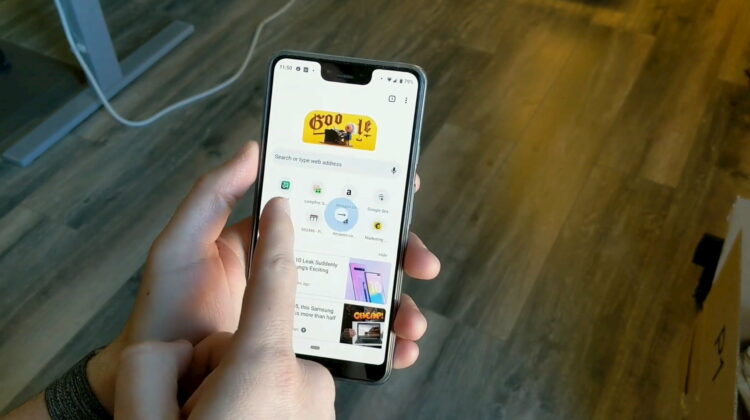
Today, I can finally start doing that on both the phone and desktop as Chrome for Android will soon be supporting lateral swipes for history navigation.
The new feature is still behind a flag but is available on all channels of Chrome (Stable, Beta, Dev, and Canary) and can be found by simply going to chrome://flags in your Chrome browser and then searching for “history navigation.” Flip it on and restart Chrome and you’ll be able to make a simple lateral swipe to go back or forward in your browser, and it is so nice to use.
Sometimes, it’s just the little things.
SOURCE: 9to5 Google

