

Support our independent tech coverage. Chrome Unboxed is written by real people, for real people—not search algorithms. Join Chrome Unboxed Plus for just $2 a month to get an ad-free experience, access to our private Discord, and more. Learn more about membership here.
START FREE TRIAL (MONTHLY)START FREE TRIAL (ANNUAL)
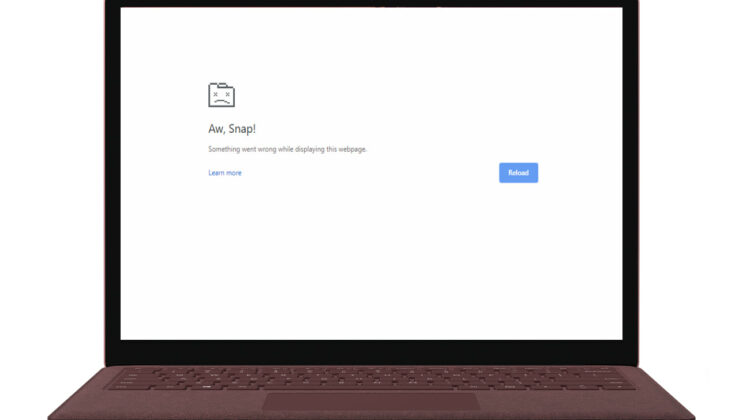
On Wednesday, the Chrome Team announced the official rollout of Chrome 78 for desktop which includes Windows, Linux and macOS. As with many updates, this one included a number of updates, enhancements and security fixes. Unfortunately, an unexpected bug has come along for the ride that is causing the dreaded “Aw, Snap!” browser crash for quite a few users. Adding to the problem is the fact that developers appear to be having trouble pinpointing the root cause of the issue.
A support forum post from Chrome Support Manager Craig T. details the issue and what steps to take to implement a possible fix for the problem.
We’re investigating reports of an increase in Aw, Snap! crashes following the Chrome M78 update. If you are experiencing this behavior, please see the following information for assistance.
Chrome Support Manager
For users in the workplace, the Chrome Team has indicated that the problem may be due to an incompatibility issue between Chrome and Symantec’s Endpoint Protection which offers anti-malware and intrusion protection for a large number of enterprises. If your company uses Symantec Endpoint Protection, Google is recommending the following action:
You should update Symantec Endpoint Protection to version 14.2 or later. You can also disable the added protection that triggers this incompatibility using the RendererCodeIntegrityEnabled policy in Chrome. More information is available in our Enterprise Release Notes.
As I mentioned, the Chrome developers have not isolated the problem just to Symantec. A growing number of personal computers are being affected by the “Aw, Snap!” bug for reasons that are still unknown. For those users, we are asking that you provide feedback from your device to assist developers in nailing down this bug. If your browser will let you without crashing, click the three-dot menu at the top right and select “Help>report an issue.“
Alternatively, you can drop your feedback on the Support Forum thread with any information you can provide about anti-virus software that you have running on your device. We do ask that you refrain from spamming the comments with non-productive posts that help no one. Developers are working hard to get this bug squashed and they welcome any and all assistance they can get from users but they don’t need to field a ton of negative criticism.
For those looking for a more immediate fix, some users have reported various workarounds. You can find some in the Support thread as well as this article from Bleeping Computer. Keep in mind, some of these require some level of knowledge about how to tinker with Chrome and system-level policies. So, don’t do so unless you know what you’re doing. For us Chrome OS users, 78 is still a week or two out so we’re keeping our fingers crossed this one’s cleaned up before the next update.
SUBSCRIBE TO UPSTREAM
Get Chrome Unboxed delivered straight to your inbox
Upstream is our flagship, curated newsletter with the top stories, most click-worthy deals, giveaways, and trending articles from Chrome Unboxed sent directly to your inbox a few times a week. Join 31,000+ subscribers.

