

Support our independent tech coverage. Chrome Unboxed is written by real people, for real people—not search algorithms. Join Chrome Unboxed Plus for just $2 a month to get an ad-free experience, access to our private Discord, and more. Learn more about membership here.
START FREE TRIAL (MONTHLY)START FREE TRIAL (ANNUAL)
On your phone at this point in 2023, you fully expect the vast majority of the internet to be formatted for the screen in your pocket. It took us some time, but 5-10 years after the first iPhone hit the market, web developers universally realized that websites had to not only look great and fit on large screens, but small ones as well. After some iterations over those years, we finally arrived at responsive web design that allows content on the web to deliver one way on desktop, one way on phones, and all sorts of variations for sizes in between.
And now that the web is generally a friendly place for our smaller screens, we don’t think that often about navigating the full-blown desktop layout of most websites on our phones via pinch zooming and excessive panning. And the times when we do, it is pretty annoying. After all, who doesn’t take the time to make their site great on mobile?
Sometimes we still need the full desktop version
That being said, there are still times here and there where I need to see the desktop version of a site. It could be for various reasons, but most times it comes down to a diminished functionality of the mobile layout/version of a site versus its desktop-sized counterpart. There are other reasons, sure, but more often than not, when I click on the setting in Chrome to view the desktop version of a site, it is generally due to the fact that I can’t get what I need in the mobile layout.
A more specific example of this is the Chromium Gerrit where I look for new changes to ChromeOS and for upcoming Chromebook hardware. I visit there a lot, and the way this sort of site lays out on mobile just isn’t great for browsing. And because of this, I tend to revert it to the desktop view when I’m doing a bit of digging. Yet, in the past, no matter how many times I’ve navigated there, I’ve always have to re-enable desktop mode from my phone. Every time.
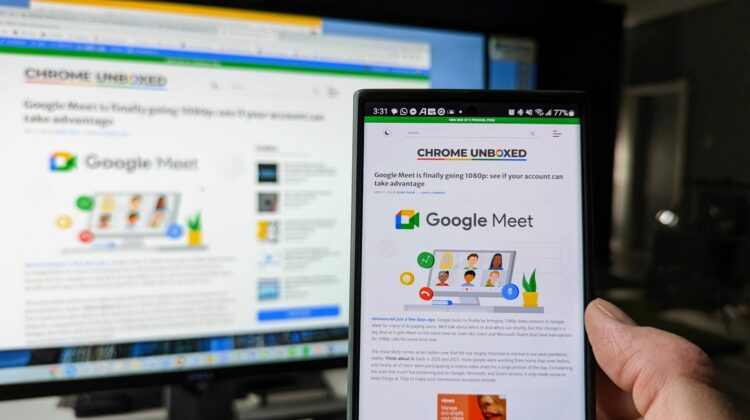
But that’s changed in the past few weeks as an update to Chrome (on Android, at least) now remembers the sites I choose to view in desktop mode and it automatically switches for me every time I visit! It even works in Incognito Mode, too, so even if I need to view the Gerrit in a logged-out state, I can navigate there in Incognito and Chrome auto-switches my view to the desktop mode.
There are only a few other sites I need to use this for on a regular basis, but it makes a world of difference in practice. It’s only a few extra clicks, but constantly having to navigate to the site, make the change, and find where I was on the page really made regular visits to the Gerrit feel like a chore. But no longer. From now on, Chrome will put me in the right view every time the page loads, and if I ever get to the point that I want to switch back, all I have to do is toggle the setting again and it will remember that moving forward. It’s handy and just works without any need of settings or workarounds, and it is a prime example of Google making changes that benefit the end user without making a huge stink about it. I love it!
SUBSCRIBE TO UPSTREAM
Get Chrome Unboxed delivered straight to your inbox
Upstream is our flagship, curated newsletter with the top stories, most click-worthy deals, giveaways, and trending articles from Chrome Unboxed sent directly to your inbox a few times a week. Join 31,000+ subscribers.

