


Support our independent tech coverage. Chrome Unboxed is written by real people, for real people—not search algorithms. Join Chrome Unboxed Plus for just $2 a month to get an ad-free experience, access to our private Discord, and more. Learn more about membership here.
START FREE TRIAL (MONTHLY)START FREE TRIAL (ANNUAL)
We talked earlier this week about our exclusive look at the new AI features on the way for Chromebook Plus, but I wanted to take a few minutes to really look a bit more closely at the wallpaper and video background features that are coming. While “Help me write” is probably the most headline-grabbing addition of the bunch, these new AI-driven image generation tools are pretty awesome in their own right, so let’s talk about them each a bit more.
AI Wallpapers
The concept of AI-generated wallpapers isn’t a new one. In fact, the Pixel 8 series launched with this feature and it’s even come to the Chrome browser on all platforms at this point. But the way this will work on Chromebooks is a tad bit smarter than what we’ve seen in the other variants.



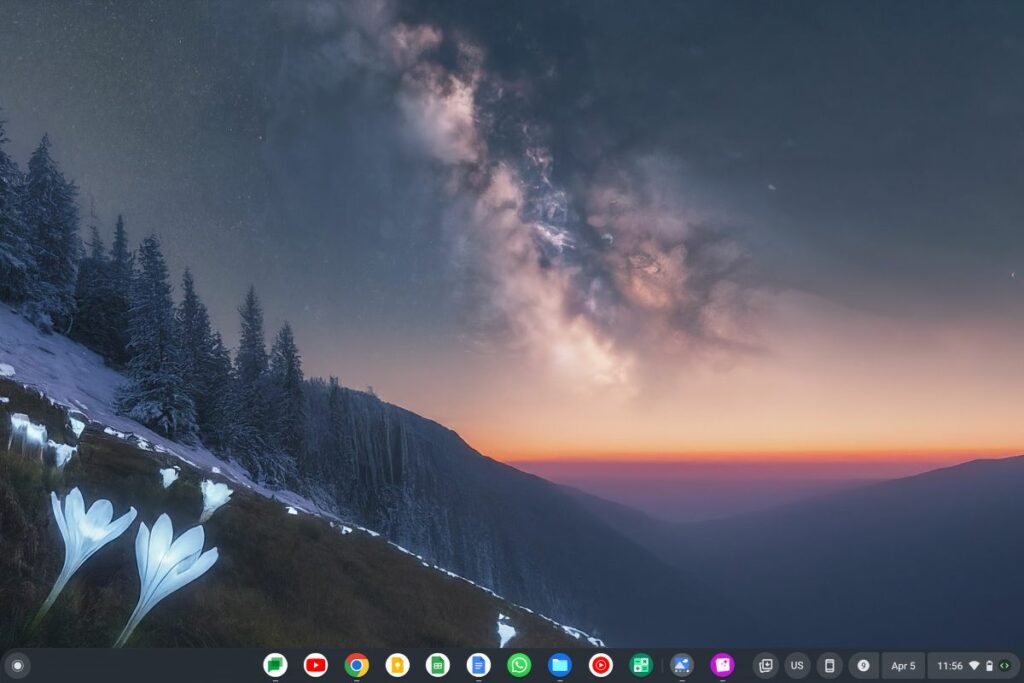
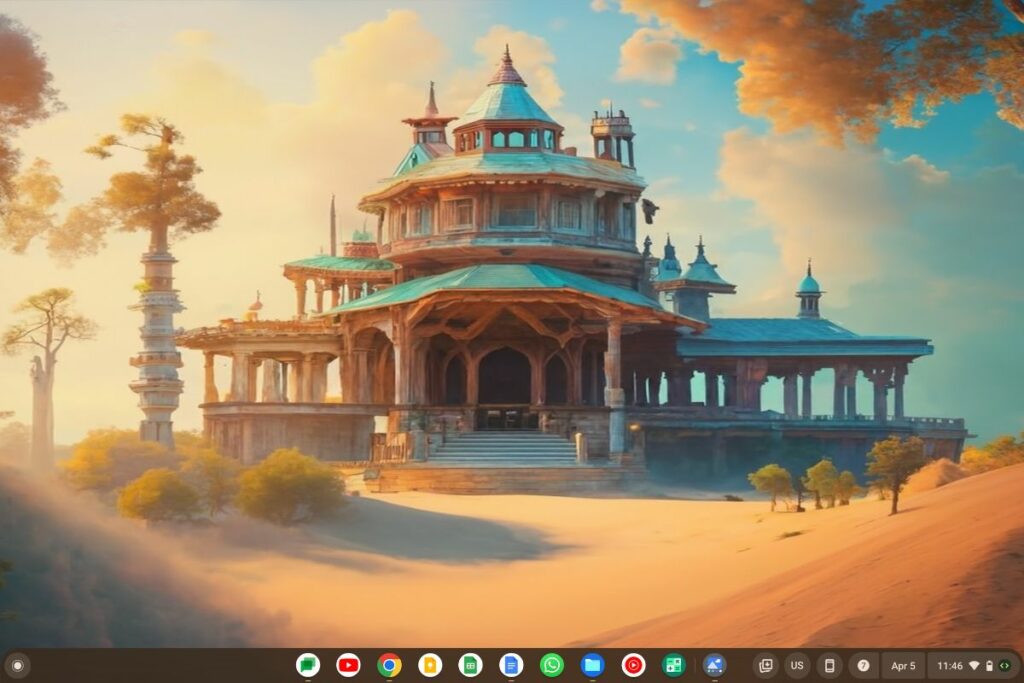
Like other models of this sort of thing, the prompts aren’t wide open. At least not yet. You are given some assistance up front and even when the prompting is wide open in the future (fingers crossed), many of us will still appreciate a bit of assistance, here. You don’t want to spend half of your morning trying to come up with some sort of wallpaper prompt, right?
Like we see on the Pixel phones right now, you fill in the blanks to create your wallpaper, the Chromebook generates some options, and you select one. But under the hood, ChromeOS is doing a bit more to make sure these wallpapers are a great fit. The resolution is smartly matched to your screen, so you won’t have to stretch, crop or resize your wallpaper once you find the right one.
And Google is making sure these images are high quality, not grainy, and that they simply look great on the screen. While the AI backgrounds we currently get in Chrome for your new tab page are fine, the examples we’re seeing from this demo look pretty amazing and will only get better with time. Until we get to actually use this, however, I’ll reserve full judgement. After all, I still have to see how this AI will render amazing golf course wallpapers once wide open prompting becomes a thing!
AI video backgrounds
Maybe even more impressive is the attention to detail the ChromeOS team is putting into video backgrounds. Again, details matter, but for video calls those details are different. Where AI wallpapers need to be detailed and beautiful, video backgrounds need thoughtfulness in different areas. Specifically, these backgrounds need to do 2 things.
First, they need to keep the busy, distracting stuff to a minimum and away from the general eye line of the user on screen. The last thing you want during a video call is to have things around your eye line that are distracting to viewers. Video calls are great for a more human touch than what we get over the phone, but that touch gets undone when the video proves more of a distraction than a help. Google is deftly using their AI models to solve this.
Second, these backgrounds need to take into account the fact that a person’s torso or head will be taking up most of the frame. While a wallpaper can keep the center of focus near the center, a well done background needs to put the essentials (the non-distracting essentials) to the sides of the subject. Once again, the Chromebook Plus AI model will take this into consideration as it generates the background.
It’s a wholly different set of rules for the AI to be trained on, and from our sneak peek, it feels like the ChromeOS team is nailing it. Again, we have helper prompts for this as well to get started when asking the AI to build you a background, but there could come a time down the road where you’ll be free to type in whatever you want and get some results.
I don’t know about you, but I’m extremely excited to try these features out soon! Sure, they probably should have been delivered before now, but I’m ready for the AI-heavy updates to happen in the coming weeks. I’m excited to see what sort of wallpapers I can get and what sort of backgrounds I’ll be able to take advantage of when it all arrives. And I’m even more excited for what could be coming next.
SUBSCRIBE TO UPSTREAM
Get Chrome Unboxed delivered straight to your inbox
Upstream is our flagship, curated newsletter with the top stories, most click-worthy deals, giveaways, and trending articles from Chrome Unboxed sent directly to your inbox a few times a week. Join 31,000+ subscribers.

