0:00
back in the early days of Chrome OS and
0:02
Chromebooks there were only a handful of
0:03
devices and only a handful of screen
0:05
resolutions that's not the case these
0:07
days and if you're going to buy a
0:08
Chromebook screen resolutions one of the
0:10
things we say hey you need to check out
0:12
and make sure this is a resolution that
0:14
works for you but because of all these
0:16
differing screen resolutions aspect
0:18
ratios and all that kind of stuff
0:19
sometimes you're going to get a
0:21
Chromebook out of the box and look at it
0:23
and things are gonna be way too large on
0:24
the screen or maybe they're a little bit
0:26
too small on the screen and sure you can
0:27
dig around in your settings to find out
0:30
but there's a quick shortcut that can
0:31
allow you to just change those display
0:33
settings on the fly depending on what it
0:35
is you're doing I use it all the time
0:37
it's display scaling it's super simple
0:39
to do so for this Chromebook tip Tuesday
0:41
we want to take a look at how to quickly
0:43
change your display scale settings of
0:53
all the things we cover in these
0:54
chromebook tip Tuesday videos this is by
0:56
far probably the simplest thing to
0:58
execute just as a couple key presses and
1:01
you're gonna change your screens
1:02
resolution up and down but before we do
1:04
that I want to explain really quick
1:05
exactly what it is you are doing and if
1:08
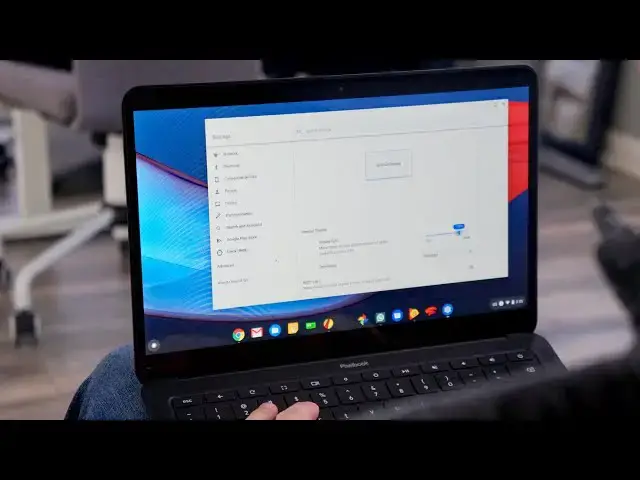
we look on the screen here and I go to
1:10
settings and then we go over to device
1:12
we go to displays you can see on the
1:15
internal display here that it said 100%
1:17
this is the way your Chromebook is gonna
1:19
come out of the box regardless of its
1:21
resolution screen size all that kind of
1:23
stuff they've decided at the factory 100
1:26
percent is gonna be whatever on this
1:27
Chromebook well this particular
1:28
Chromebook the pixel book go is a 1920
1:30
by 1080 panel well that kind of pixel
1:33
resolution on a 13.3 inch screen looks a
1:36
little bit more like this you can see
1:39
natives show up there and you can see
1:41
everything on the screen got pretty
1:43
now that could work with this I could
1:45
make this work but eventually there'd be
1:46
some high strain and it's just not going
1:48
to be very comfortable on a long basis
1:50
but I tend to operate somewhere right
1:52
around in the ninety percent range
1:53
regardless of what it is I'm doing I
1:56
don't want to be bouncing in and out of
1:57
my settings menu to make that change all
1:59
the time and so that's where this
2:00
shortcut comes in because for different
2:01
things I would like a little bit more
2:03
screen real estate and for other things
2:05
I kind of want things oom DUP so I don't
2:06
have to work so hard to read stuff
2:08
that's on the screen fortunately it's
2:10
very simple to do that all you have to
2:13
shift plus and minus and you can see
2:15
stuff on the screen getting bigger even
2:18
look up here at the top the Omni bar
2:20
your tabs your icons at the bottom
2:22
everything on the screen is scaling up
2:24
and down it doesn't tell you exactly
2:26
where you are in it so you just kind of
2:27
work your way around and so everything
2:29
looks good and then move on and then if
2:31
you come to something later and it's
2:32
like now this is too small
2:34
cool just hit the plus and bump it up so
2:36
all it is is ctrl shift plus or minus
2:39
and it kind of makes sense ctrl shift -
2:41
to make things smaller ctrl shift + to
2:43
make things larger there's another
2:45
shortcut you can do while you're in here
2:46
and it's just controls to leave out the
2:48
shift + and - it'll only work when
2:50
you're in a chrome window and it will
2:52
only work on that particular window so
2:54
that that one tab and you can actually
2:55
zoom in and out on just that tab it's
2:59
the same exact thing you would do if you
3:00
pinch zoom on the trackpad or on the
3:02
screen so there's a little bonus tip
3:03
there - but ultimately for me it works a
3:07
little bit better to actually scale the
3:08
entire display resolution because
3:10
usually you're gonna look at the screen
3:12
and either feel like me and everything's
3:13
just huge on here I would like a little
3:15
more space or you're gonna feel like
3:16
everything so small I can't see anything
3:18
and in general you're gonna vote want to
3:19
bump everything up and so this takes
3:21
care of that and it takes care of it in
3:22
a very quick seamless and simple way and
3:25
if you ever just want to get back to
3:26
hundred percent or dig into your
3:27
settings slide it back to 100% in your
3:29
back to where it was out of the box but
3:31
guys that's it for this one if you
3:32
enjoyed it if you learn something here
3:33
give it a thumbs up go down there and
3:35
hit the subscribe button and make sure
3:36
hit the notification bell if you'd like
3:38
to be alerted when we make future videos
3:40
just like this one till next time we'll