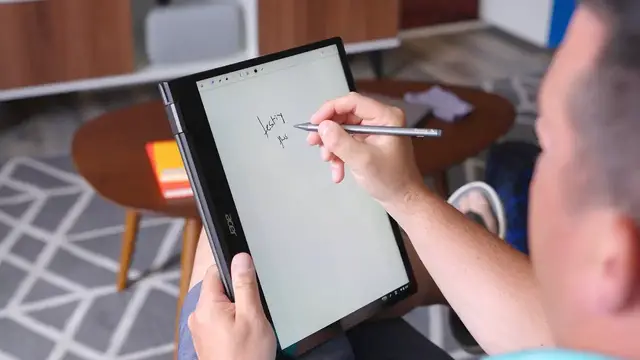

Google's Note Taking Web App Cursive Is Finally Useful
Oct 24, 2022


Sponsored by Penoval. Make your ideas come alive with the Penoval USI Pen!
Buy Penoval USI Pen here: https://bit.ly/3LoSrxz
USI-compatible Chromebooks tested with the Penoval USI702 - https://bit.ly/3IXHQZm
・・・・・・・
All the way back in August of last year, Google debuted Cursive – a new progressive web app for handwritten notes – and it was…OK. Actually, “OK” is probably being kind when we talk about how half-baked it felt at first. As it became more widely available, we began testing it pretty regularly on a variety of Chromebooks, and the tests didn’t go too well. The main issue came down to input lag, and when we talk about apps made specifically for handwritten notes, the pen-to-screen feel has to be good. Cursive was not that.
But things have been rapidly changing on that front, and with the release of ChromeOS 102, Google has fully announced Cursive to the broader Chromebook audience. The good news? It is actually a useful, working app that I’d encourage people to use. But there’s bad news, too, and it revolves around the not-quite-universal experience of Cursive across different Chromebooks with different screens and different processors. So let’s talk about what works well, where the problems lie, and what you need to know to get the best handwriting experience possible out of Cursive.
Read more: https://chromeunboxed.com/google-cursive-web-app-works-great-processor-speed/
Join our newsletter: http://bit.ly/2WjCDm7
・・・・・・・
Fueled by Fresh Roasted Coffee (15% off with code CHROMEUNBOXED): https://chromeunboxed.com/coffee
Show More Show Less #Laptops & Notebooks
#Business & Productivity Software