0:07
hey guys Robbie Pang with chrome unbox
0:09
taking a look real quick at this new
0:10
feature that is available right now if
0:12
you are in the dev Channel and you can
0:15
um go into the flags and enable it just
0:17
go into your flags and search for split
0:19
screen you'll find it enable it and what
0:22
it basically does is when you're in
0:23
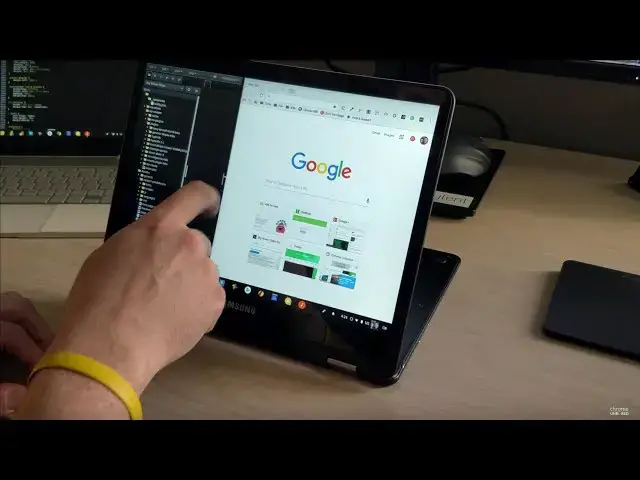
tablet mode here if you have a few
0:24
things open we click our overview button
0:27
down here in the corner you see the
0:29
things that you have open this is
0:30
relegated right now to uh Chrome OS
0:33
stuff so uh Progressive web apps Chrome
0:36
apps Android apps don't work in this for
0:37
right now but if you grab these things
0:39
you can drag it to either
0:42
side and then resize them
0:47
between so it's pretty straightforward
0:49
tries to kind of give you a one4
0:55
half then the other quarter over here
0:57
and then when you're done you can
0:58
actually just pull this all the way over
1:01
and it doesn't close the other one it
1:02
just pushes it out of that split screen
1:08
is actually works in tablet mode as well
1:11
so we'll do the same thing get a hold of
1:18
mode drag to the bottom drag to the top
1:22
and you can resize and actually have
1:24
split screen stuff going on hopefully
1:26
we'll see this come to Android apps
1:28
relatively soon as well well in this
1:30
again this is in the dev channel of
1:32
Chrome OS so it's got some Kinks to get
1:34
worked out but right now it seems to be
1:35
working really really well especially
1:36
with Chrome apps that's it guys thanks