0:00
the pixel slate launched to less than
0:01
stellar reviews partly because of the
0:04
tablet mode and the way that you
0:05
navigate through multiple open
0:07
applications was just a little bit janky
0:10
and ultimately it still is that way and
0:12
it's that way across every Chromebook so
0:14
for being fair it's really less of a
0:16
problem with the pixel slate and it's
0:18
more of a problem with just Chrome OS in
0:20
general but it seems like with Chrome 75
0:23
coming out in the next few weeks if you
0:24
jump over to the beta or dev channel and
0:26
get that 75 version of Chrome OS we're
0:29
actually seeing what looks like possibly
0:31
a fix so here we are we have in overview
0:42
mode some Android apps we have some
0:45
pwace and we have some just basic chrome
0:47
tabs of the video running this is a
0:49
normal kind of setup you would have if
0:51
you were just doing day-to-day stuff and
0:53
so what I want to show you is on Chrome
0:55
74 and stable Channel right now how this
0:58
behaves in full-screen see some
1:02
animation drops here it's workable but
1:07
smooth it is not and then we're going to
1:26
and again we're getting some black
1:28
screen flashes just overall it feels a
1:31
little half-baked it's not performing
1:33
terribly right now you saw right there
1:35
was nice and smooth so it's just kind of
1:37
this mixed bag of performance when it
1:38
comes to Chrome OS 74 in these kind of
1:41
tasks so now let's switch over to Chrome
1:43
OS 75 in beta and see what the
1:45
difference looks like all right now
1:47
we've updated the slate to beta 75 so 75
1:50
should be hitting stable channel and
1:52
four or five weeks something like that
1:53
so if you don't feel like jump into the
1:54
beta Channel you don't have to in just
1:57
over a month you'll see this actually
1:59
come down to your device automatically
2:01
but what I want to show you is now that
2:04
we're in beta that transitions between
2:06
these things how much smoother
2:07
everything is before we were giving
2:11
black frames and stuff as we were moving
2:12
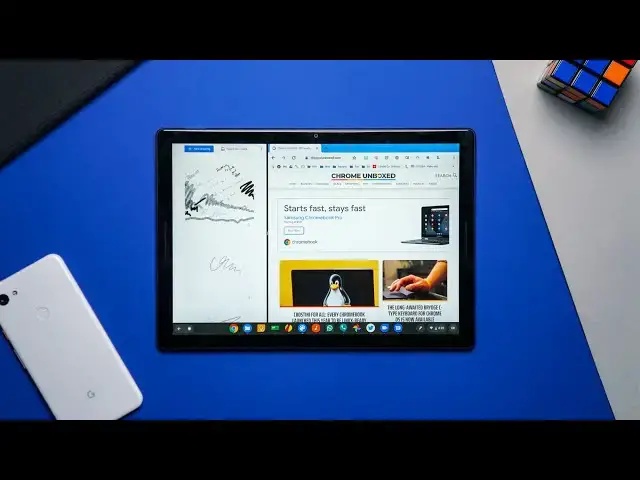
between apps and let's go let's go split
2:17
screen and you can just see everything
2:21
is a lot smoother these animations are
2:25
actually working we're not dropping
2:27
frames all over the place now is it
2:29
perfect not completely perfect I mean
2:33
but gosh this is a ton more usable than
2:36
what it was and just in general the
2:39
whole interface feels better because
2:40
ultimately for me if I'm using in tablet
2:42
mode usually I'm gonna be doing
2:43
something and I'm gonna jump out and do
2:45
this or I'm gonna hit this button and
2:47
jump into the next thing and this is
2:50
just so much quicker than it was on
2:53
stable and so whatever it is they've
2:56
worked on and been working on I'm sure
2:58
they've still got some some work to do
2:59
to finish it up but as you can tell this
3:03
is going a lot quicker than what it was
3:05
and it makes this feel a whole lot more
3:06
usable as a tablet in general and so
3:09
it's exciting to see this particular
3:11
thing move forward and whatever it is
3:13
they're doing to fix it I hope they
3:15
continue to just keep working on that
3:16
and just making this a better and better
3:18
tablet experience for not just this
3:20
device but all the devices that are
3:22
coming in the future especially as
3:24
Snapdragon devices or around the corner
3:26
in the second half of 2019 but guys
3:27
that's it for this one if you liked it
3:29
give it a thumbs up hit the subscribe
3:31
button down below and until next time